AI Assistant
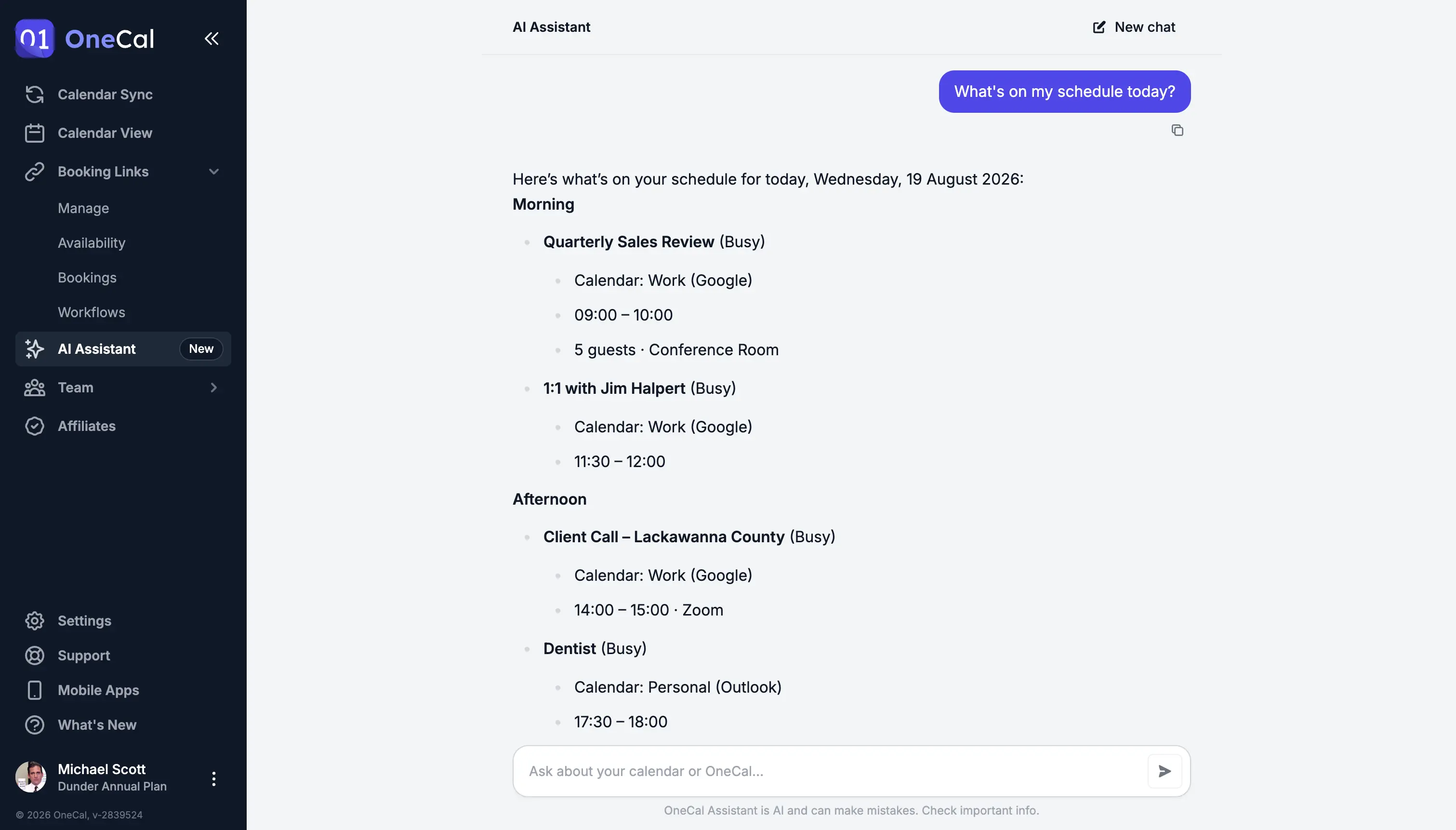
The OneCal AI Assistant is a chat built into OneCal. You can ask about your schedule in plain language, make changes to your calendar, manage your syncs and booking links, and get answers about how OneCal works.
To open it, click AI Assistant in the sidebar, or go directly to app.onecal.io/assistant.

The assistant is also available in the OneCal mobile apps for iOS and Android, with the exact same functionality.
What You Can Ask
The assistant works with all your connected calendars (Google, Outlook, and iCloud) and with everything you have set up in OneCal:
- Your schedule: Ask what is on your calendar, ask when you are free, or search for a specific event.
- Your team's availability: Ask when a team member is free, or find a time that works for both of you. See the Team Members' Availability section below.
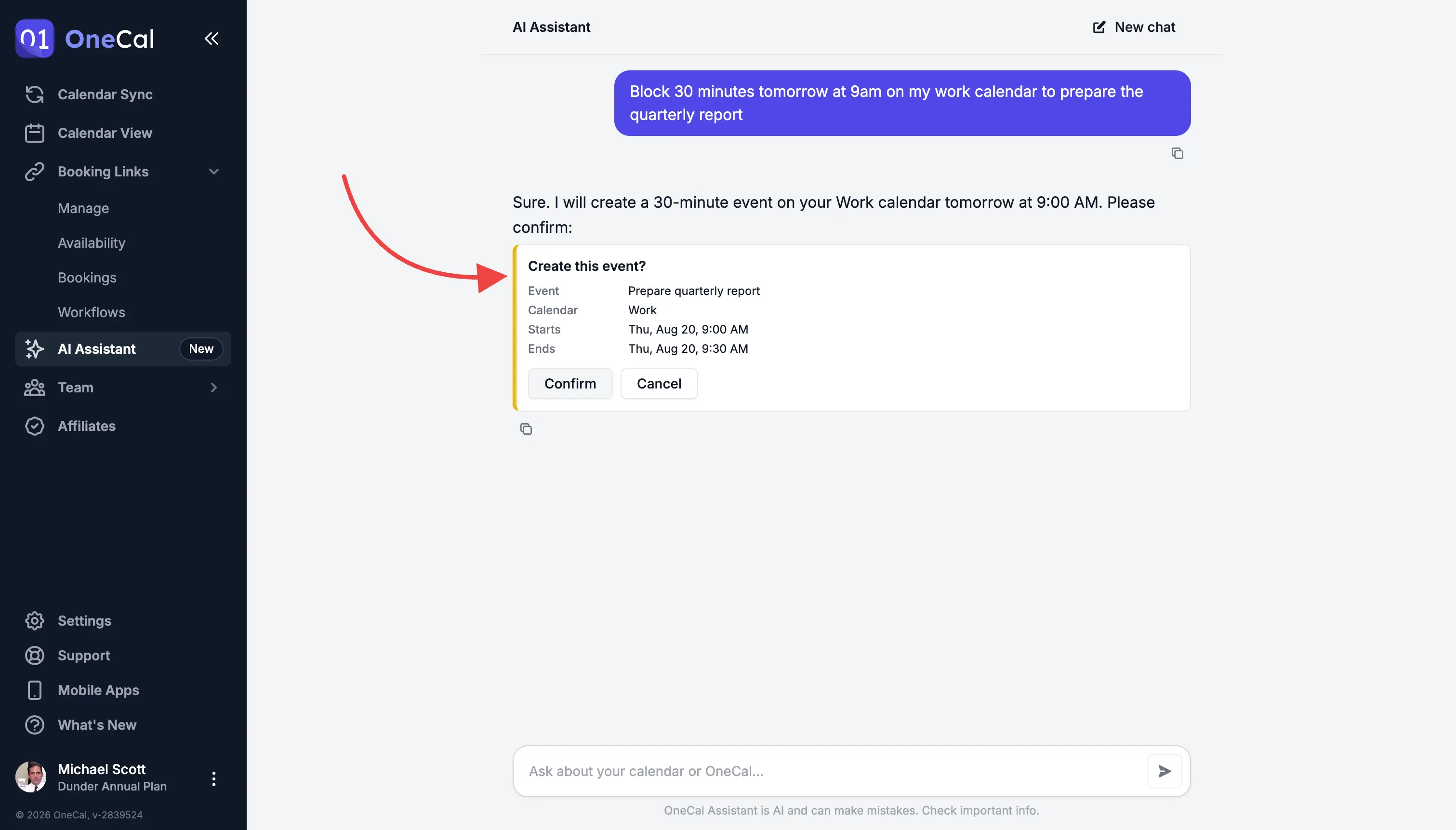
- Calendar changes: Create, edit, and delete events, or RSVP to meeting invitations.
- Calendar syncs: Check that your syncs are running, create new syncs, or pause, resume, re-run, and delete existing ones.
- Booking links and bookings: Create and update booking links, and confirm, decline, cancel, or reschedule bookings.
- Your plan and usage: Ask which plan you are on, how much of your allowance you are using, and whether you can add another calendar, sync, or booking link.
- Help and support: The assistant can search this documentation, so you can ask how a feature works or why something looks off. For example, "How does multi-way sync work?" or "Why do I see the same event twice?". If the assistant cannot solve it, you can always contact our support team.
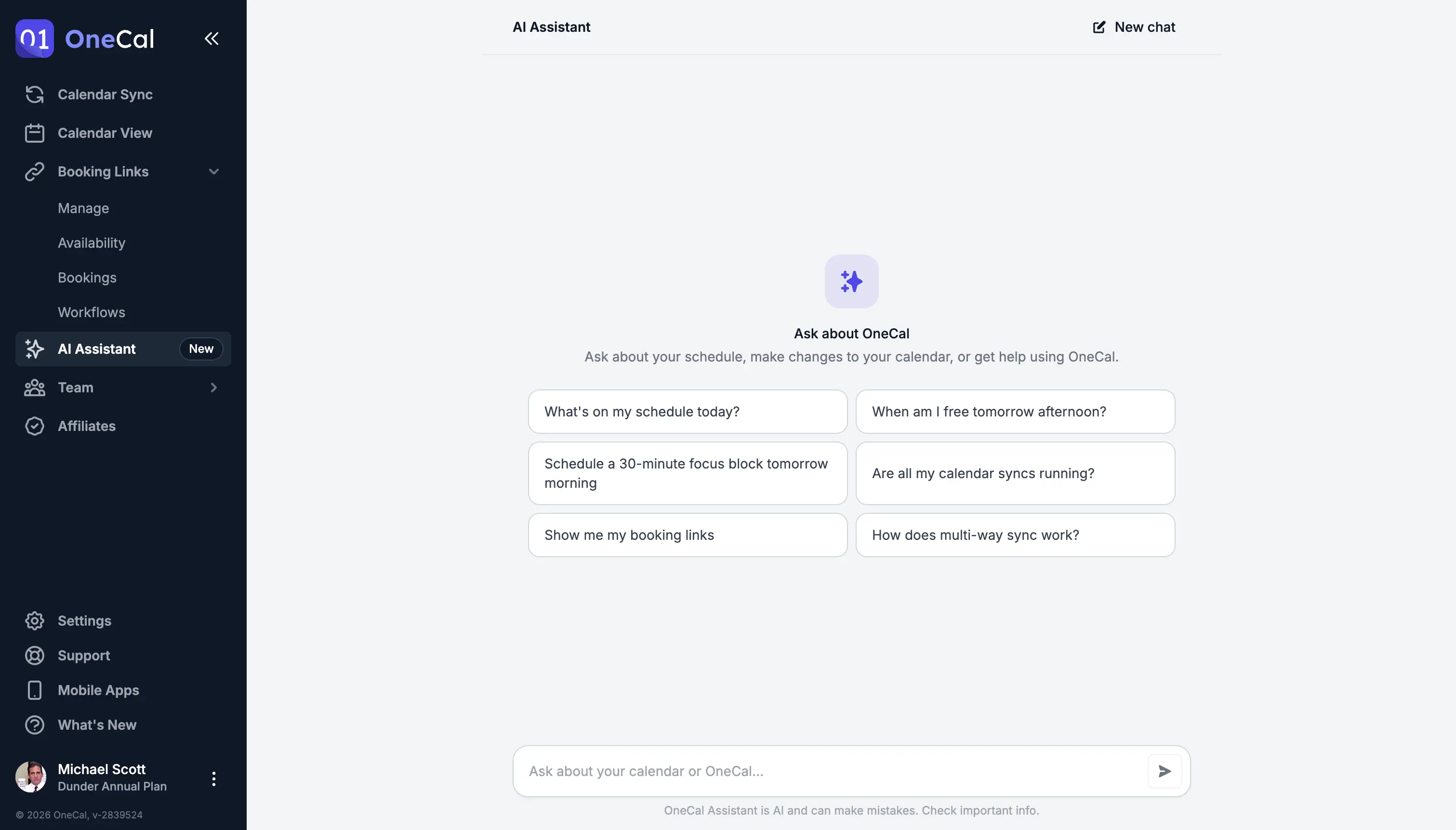
If you are not sure where to start, pick one of the suggestions shown at the beginning of a new chat.
Team Members' Availability
If you are part of a team, the assistant can also tell you when your team members are free. Ask it something like "When is Sarah free tomorrow?", "Is Ben busy on Friday afternoon?", or "Find a 30-minute slot with Sarah tomorrow". When your team has other members, a new chat also suggests this as one of its starting prompts.
The assistant finds team members by name. If two team members share the same name, it asks which one you mean. It can only look up people who are members of your team in OneCal.
Good To Know
The assistant only sees whether a team member is free or busy. It never sees the titles, details, or attendees of their events, and it cannot tell you what a team member is doing. This is the same privacy rule as in the Unified Calendar View.
A few things to keep in mind:
- Times are always shown in your own time zone. If a team member works in a different time zone, the assistant points that out, so you do not propose a meeting in the middle of their night.
- If one of a team member's calendar connections has expired, the assistant tells you that their availability may be incomplete.
- The assistant cannot create events on a team member's calendar. To set up a meeting, ask it to create the event on your own calendar and add the team member as an attendee.
Nothing Changes Without Your Approval
The assistant never modifies your calendar, syncs, or booking links on its own. Whenever it is about to create, edit, or delete something, it first shows you a confirmation card with the exact details of the change. Click Confirm to apply the change, or Cancel to skip it.
Your Data and Privacy
The first time you open the assistant, OneCal explains exactly how your data is handled before you start. You see what is sent to the AI provider, who processes it and where, and that nothing sent is stored. You can review this and decide whether to continue.
Your data is never used to train AI models. This applies to OneCal, and it also applies to the AI provider that processes your messages.
Conversations stay on your device. OneCal does not store your chats on its servers, and chats do not sync between devices. Click New chat at the top of the page to start over at any time.
Usage Allowance
The assistant comes with a monthly usage allowance that depends on your plan. If you reach it, the assistant lets you know, and it becomes available again at the start of your next monthly period. Everything else in OneCal keeps working as usual in the meantime.
Good To Know
The assistant is AI and can make mistakes. Double-check important details, and remember that any change it proposes only happens after you confirm it.