Login Methods
You can sign in to OneCal in several ways:
- Email: Enter your email address and we send you a temporary sign-in link. The link works once and expires after 24 hours. Check your Spam folder if it doesn't arrive in your inbox, or click Resend link on the Check your email page.
- Google, Microsoft or Apple: One-click sign-in with your existing login account.
- SSO: Sign in through your organization's identity provider. Click Use single sign-on (SSO) under the login form, enter your work email and click Continue with SSO. See Single Sign-On.

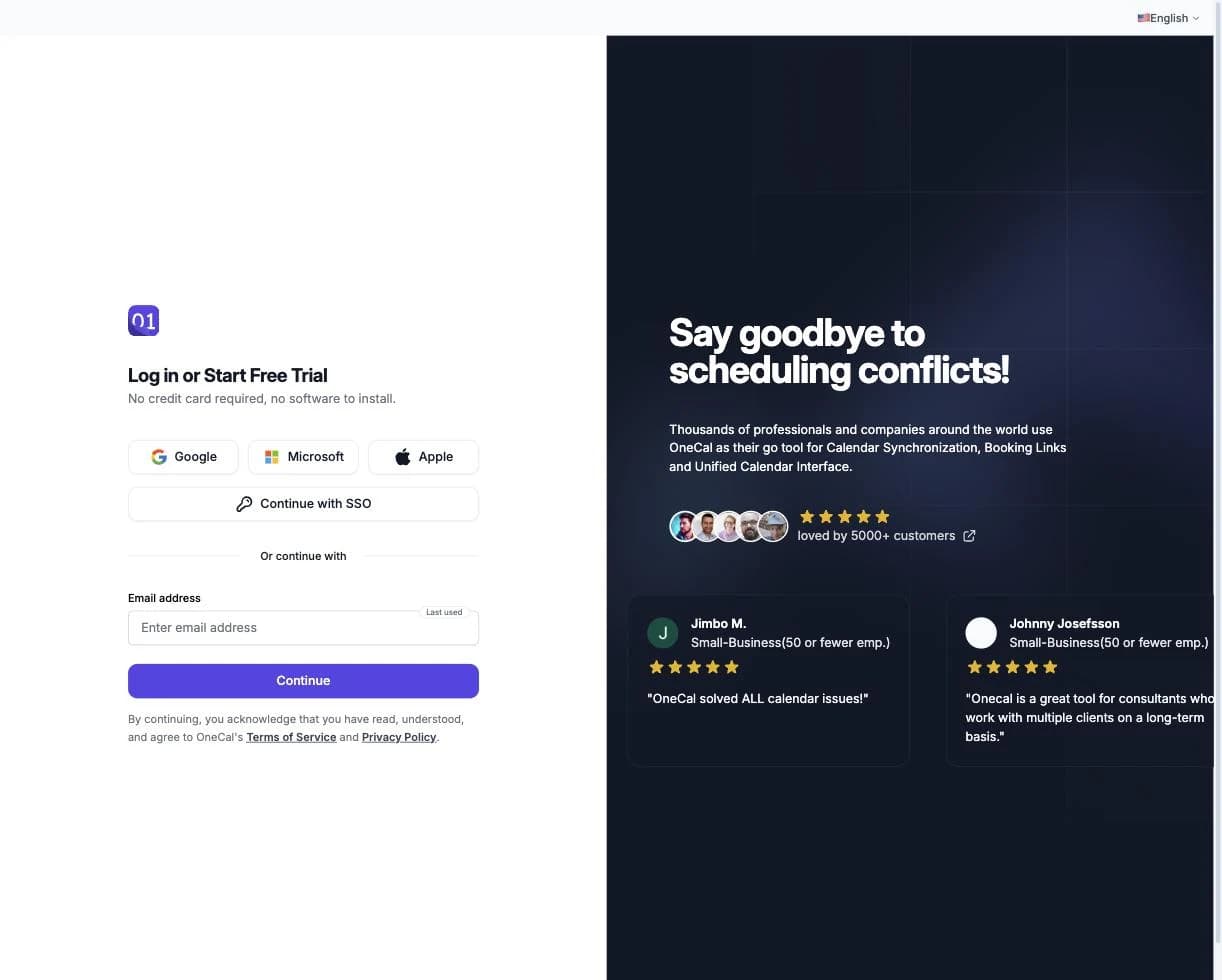
Link a login account
Linking a Google, Microsoft or Apple login account lets you sign in with one click, without waiting for an email link.
- Go to Settings and find Additional Login Methods.
- Click Link Account and choose Google, Microsoft or Apple.
- Sign in with the login account you want to link.
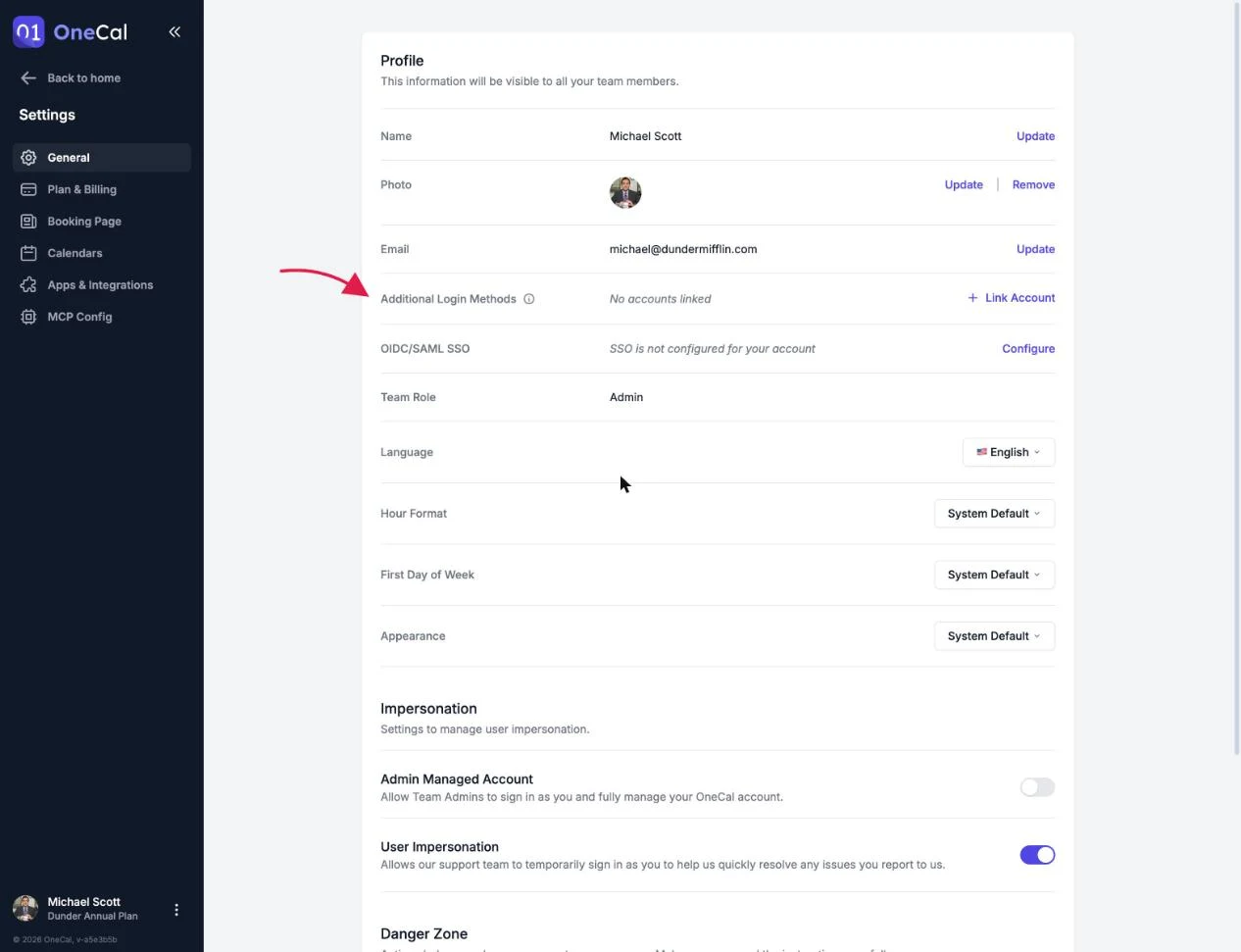
Unlink a login account
Click Unlink next to the linked login account and confirm. After unlinking, you can still sign in with the email link, and you can link a new login account at any time. You receive an email notification whenever a login account is linked or unlinked.
Good To Know
SSO login accounts cannot be unlinked. If you need to change your SSO configuration, contact your organization's IT administrator.