Language, Time and Appearance Preferences
Your personal preferences live in Settings, and every change is saved immediately.

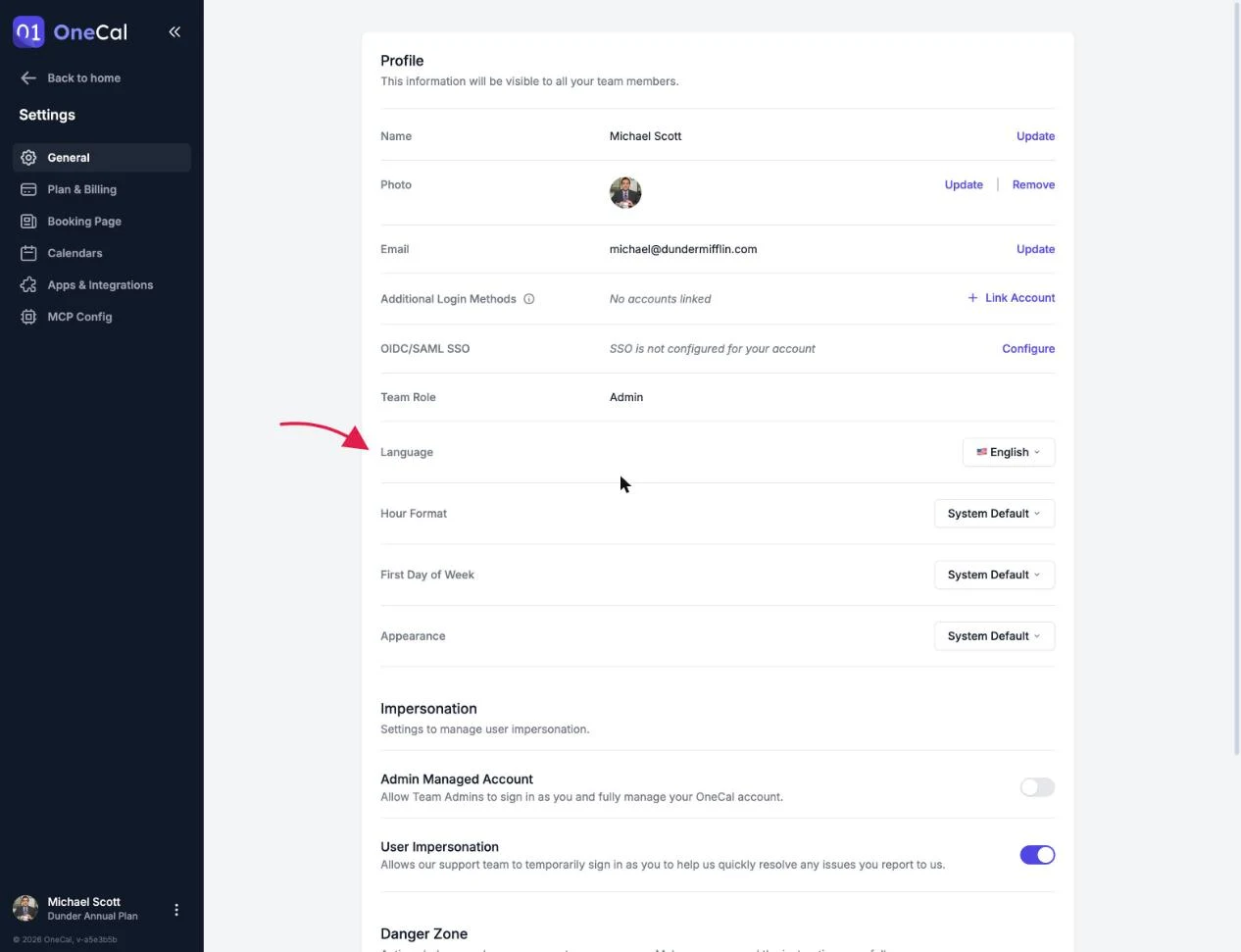
Language
OneCal is available in English, German, Spanish, French, Italian, Japanese, Portuguese (Brazil) and Korean. Changing the language reloads the app in your chosen language.
Your booking pages have their own language settings, so the language your schedulers see is controlled per booking page and per link. See Language Preference.
Hour format
Choose between 12 Hour, 24 Hour, or System Default to follow your device. This affects how times are displayed across the app, including the Unified Calendar View and booking link editors.
First day of week
Choose Monday, Sunday, or System Default. This affects the calendar grids and date pickers across the app.
Appearance
Choose Light, Dark, or System Default to follow your device theme. The whole app, including the Unified Calendar View, follows this setting.