API Keys and the User Provisioning API
The User Provisioning API lets you manage your team programmatically. You can invite and remove team members, list your team members and their usage, list pending invitations, and create bookings from your own systems.
API access is authenticated with API keys, which the team Owner manages under Settings → API Keys.
Good To Know
The User Provisioning API is enabled on request. If you don't see the API Keys page, reach out to us at contact@onecal.io to request access.
Generate an API key
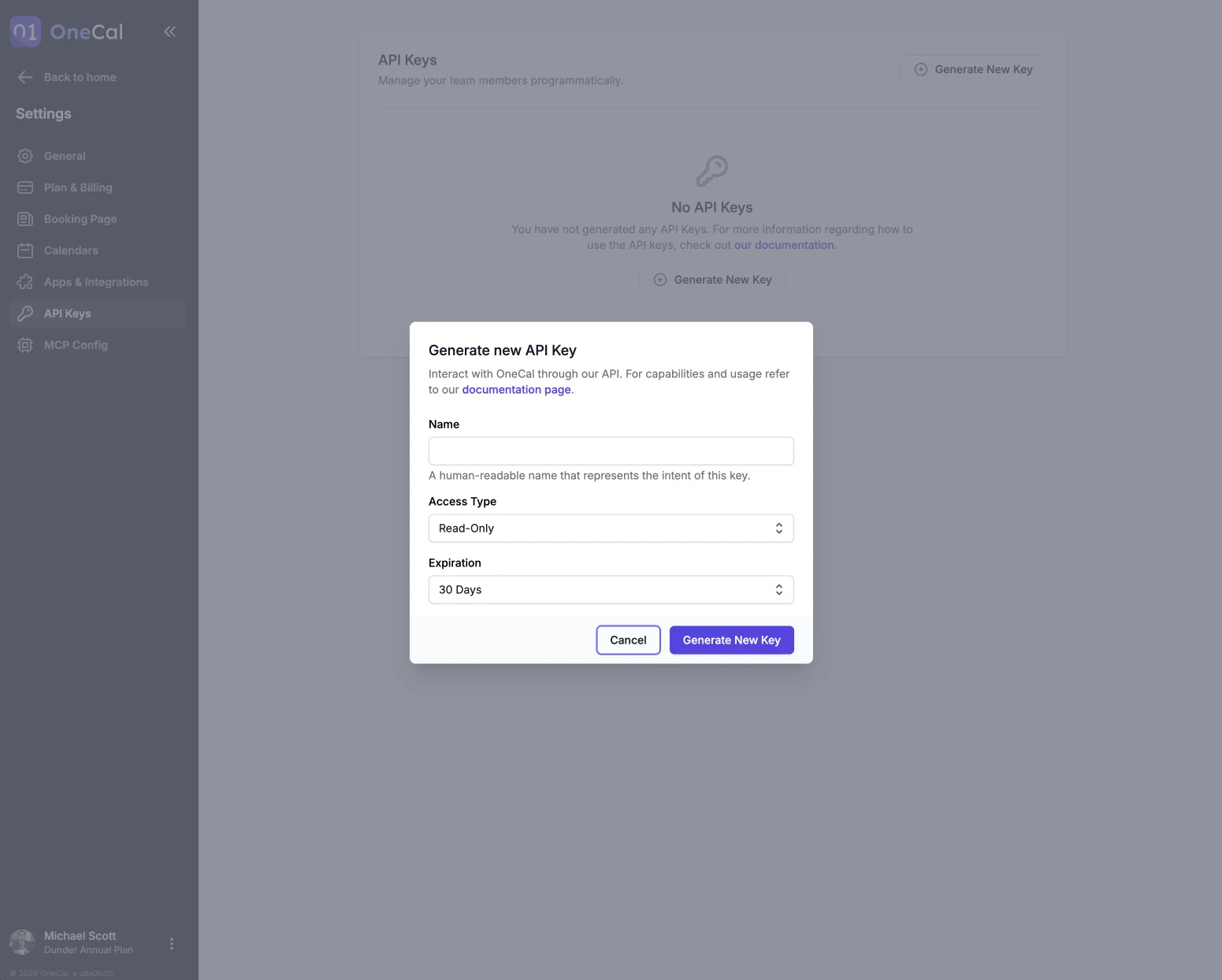
- Go to Settings → API Keys and click Generate New Key.
- Give the key a name that describes what it is for.
- Choose the access type: Full-Access or Read-Only. Read-only keys cannot make changes.
- Choose an expiration: 7 days, 30 days, 90 days, 1 year, or never.

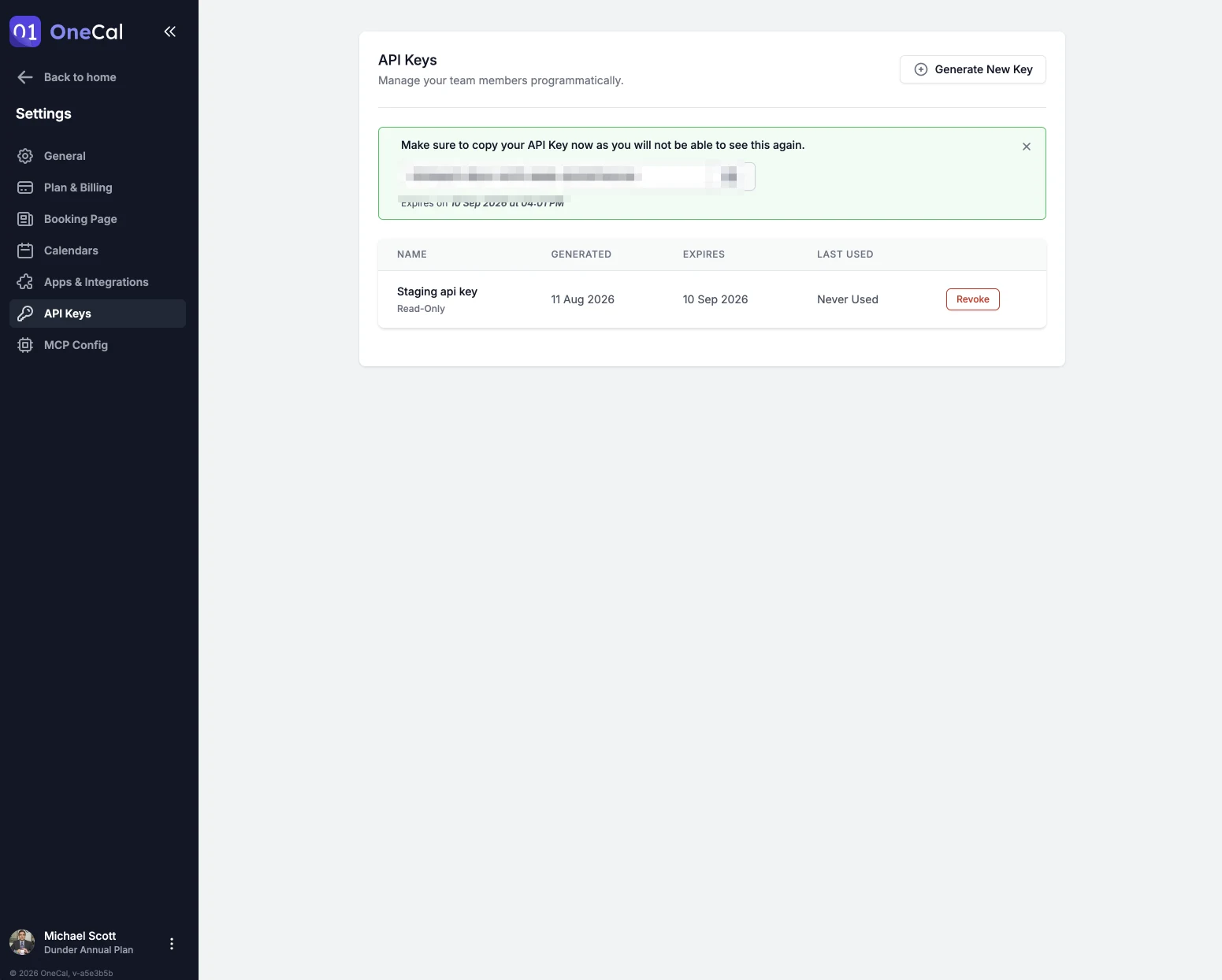
The key value is shown only once, right after it is generated. Make sure to copy it immediately, you will not be able to see it again.
Use the API
Send your key in the x-api-key header. The base URL is:
https://app.onecal.io/api/v1
The full API reference, including authentication, pagination, rate limits and every endpoint, lives at apidocs.onecal.io.
Monitor and revoke keys
The API Keys list shows when each key was generated, when it expires, and when it was last used, so you can spot unused or expiring keys.
Click Revoke to disable a key. Apps using that key stop working immediately, and revoking cannot be undone. Keys belonging to a team member are also revoked automatically when that team member is removed from the team.