Search Events
The Unified Calendar View lets you search events across all your calendars in one place. You can search by title, description, location, or participant.
To start a search, click the search icon next to the settings icon at the top of the Unified Calendar View.

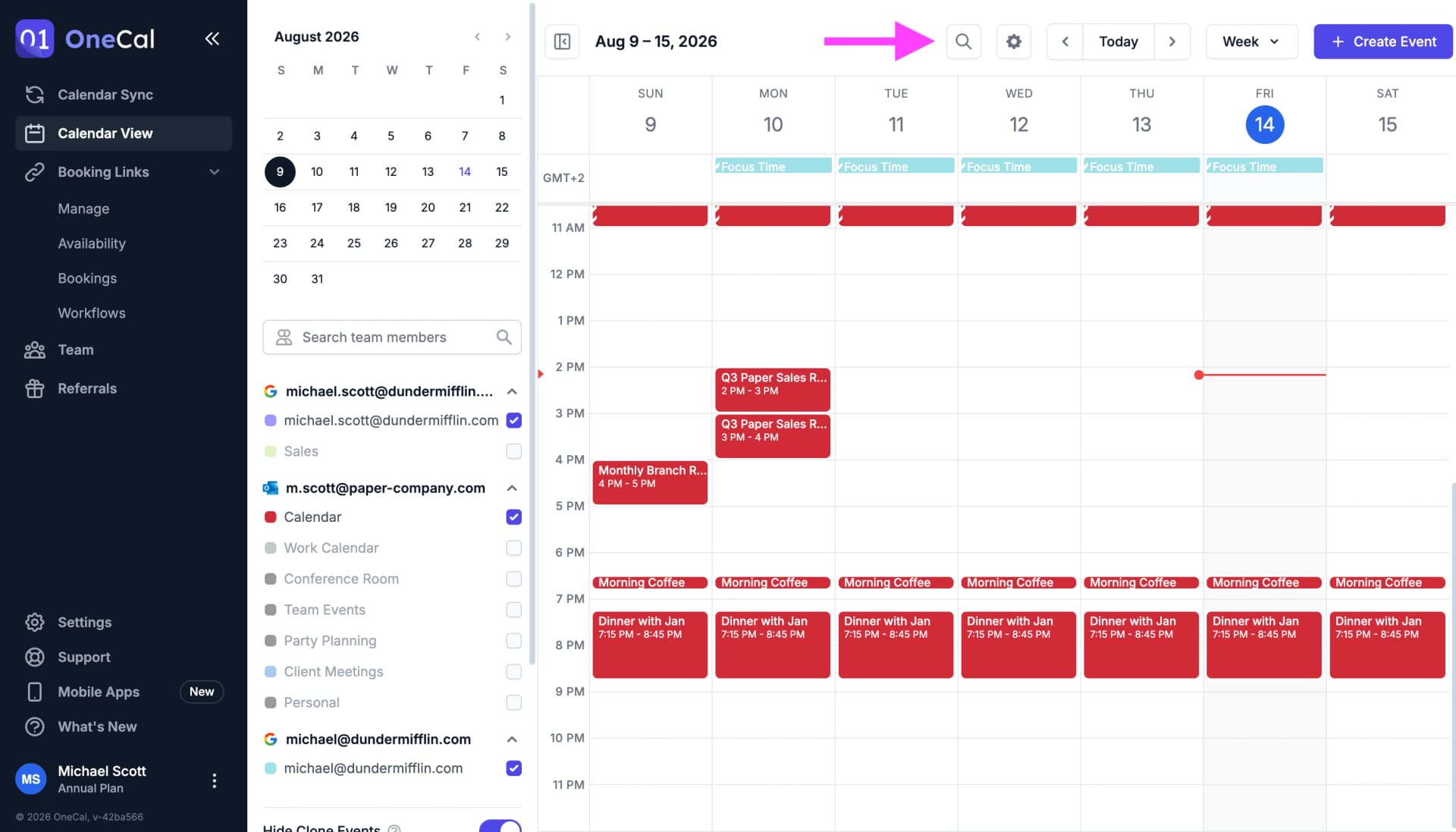
You can also open the search with a keyboard shortcut. Press / or ⌘ K (Ctrl K on Windows).
Type at least two characters to start searching. OneCal searches your events from the past 12 months and the next 12 months.
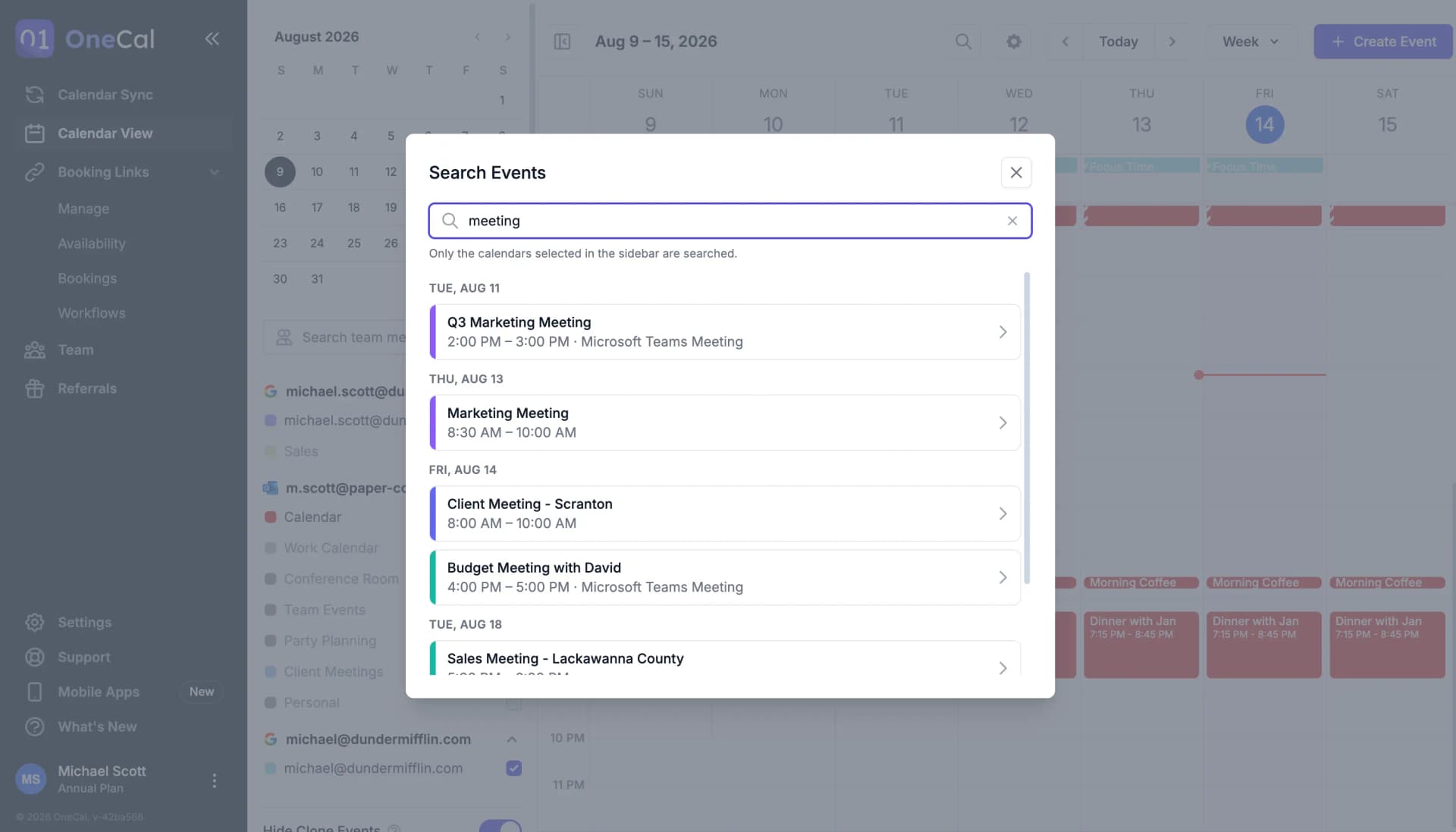
The results are grouped by day. Past events appear at the top and upcoming events appear below. Recurring events appear on each date they occur.
Click on any result to open the event details. From there you can view, edit, delete, or RSVP to the event, just like when you click an event on the calendar.
Search on Mobile
Event search is also available in the OneCal mobile apps for iOS and Android. Tap the search icon at the top of the calendar to open the search screen.
Search on mobile works the same way as on the web. Type at least two characters, and OneCal searches your selected calendars from the past 12 months and the next 12 months. The results are grouped by day, and tapping a result opens the event details.
Good To Know
Only the calendars selected in the sidebar are searched. If you enable Hide Clone Events, clone events do not appear in the search results.