Hide Clone Events
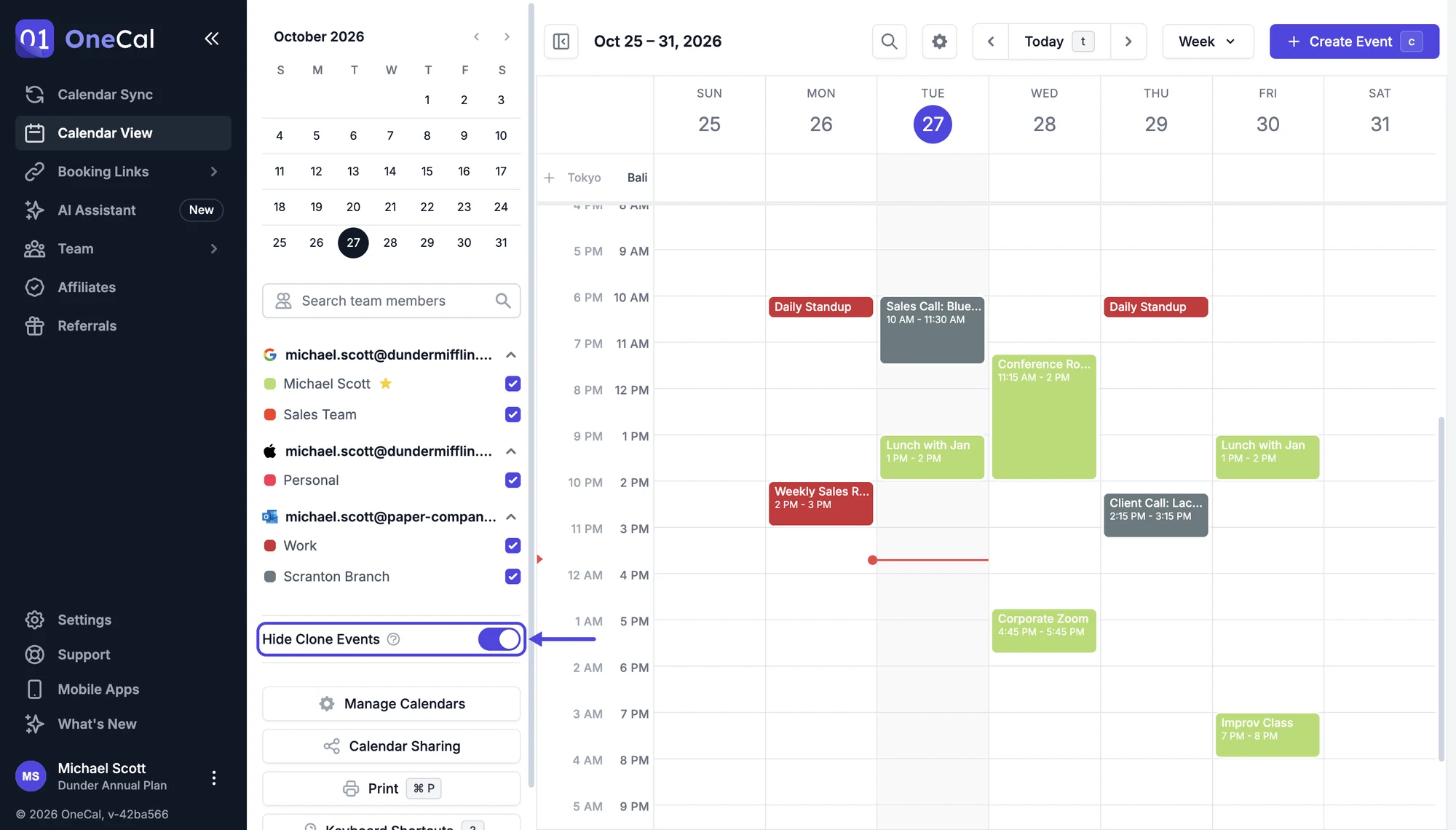
If you sync your calendars with OneCal, every synced event exists twice: the original event, and the clone event that Calendar Sync created on the other calendar. In the Unified Calendar View, where all your calendars are shown together, this would make every synced event appear twice.
The Hide Clone Events toggle at the top of the Unified Calendar View sidebar solves this: turn it on, and the clone events created by OneCal are hidden from the Unified Calendar View, so you only see each event once.

Good To Know
Hiding clone events only affects the Unified Calendar View. The clone events still exist on your calendars at Google, Outlook or iCloud and keep blocking your availability as usual. When printing your calendars, you can choose separately whether clone events are included.