Edit Calendar Events
You can edit any event directly from the Unified Calendar View.
Edit an Event
To edit an event, click on the event to open its details, then click the edit icon.

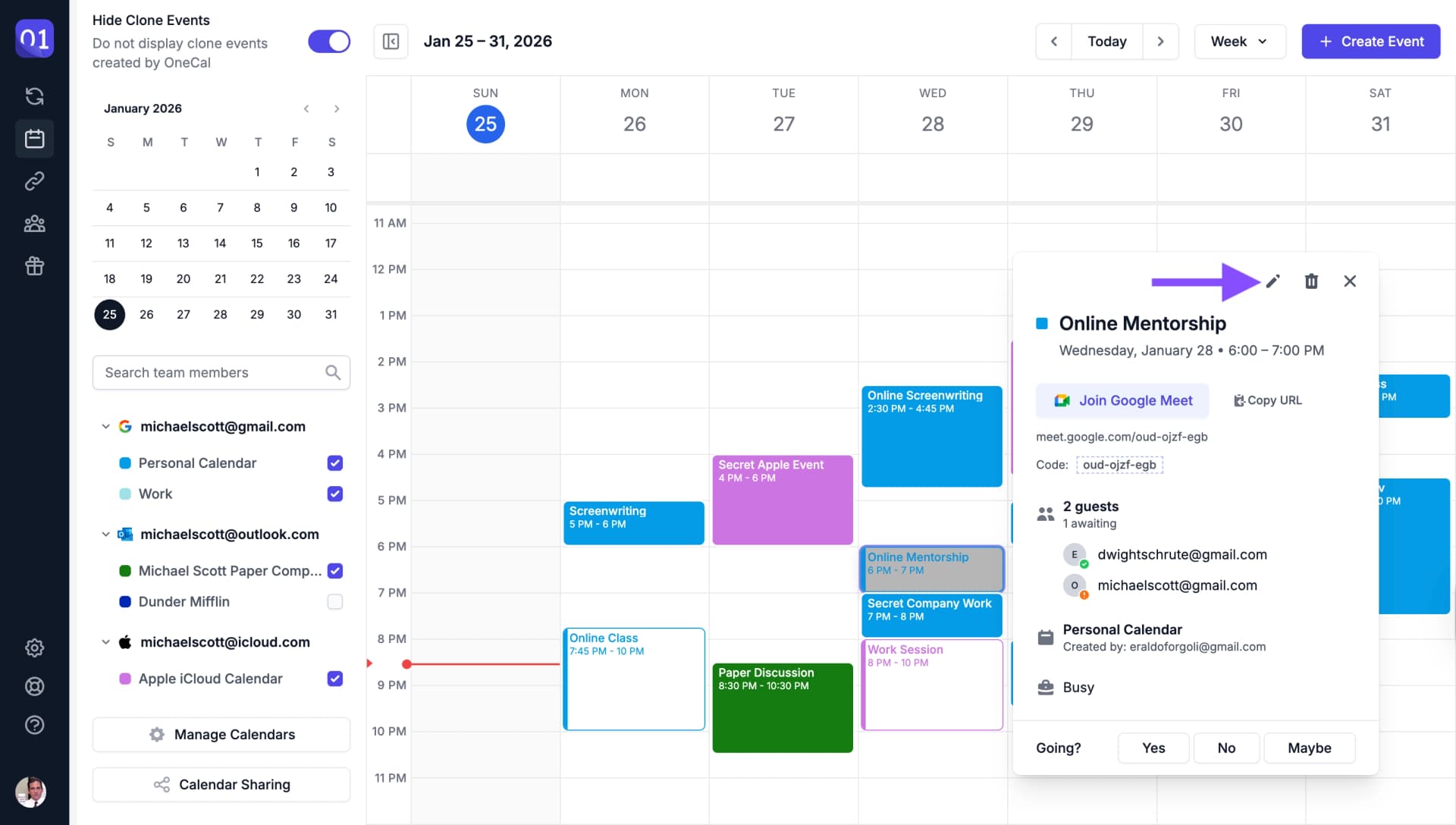
To change only the time of an event, you can also drag it to a new time or drag its bottom edge to make it longer or shorter. After you save a change, you can click Undo for 10 seconds to put the event back. See Move, Resize and Undo Events.
Edit Recurring Events
For recurring events, you have the option to edit a single occurrence or the entire series.

You can also add exceptions to recurring events, allowing you to modify specific occurrences while keeping the rest of the series unchanged.