Create Calendar Events
You can create events in the Unified Calendar View using three different methods.
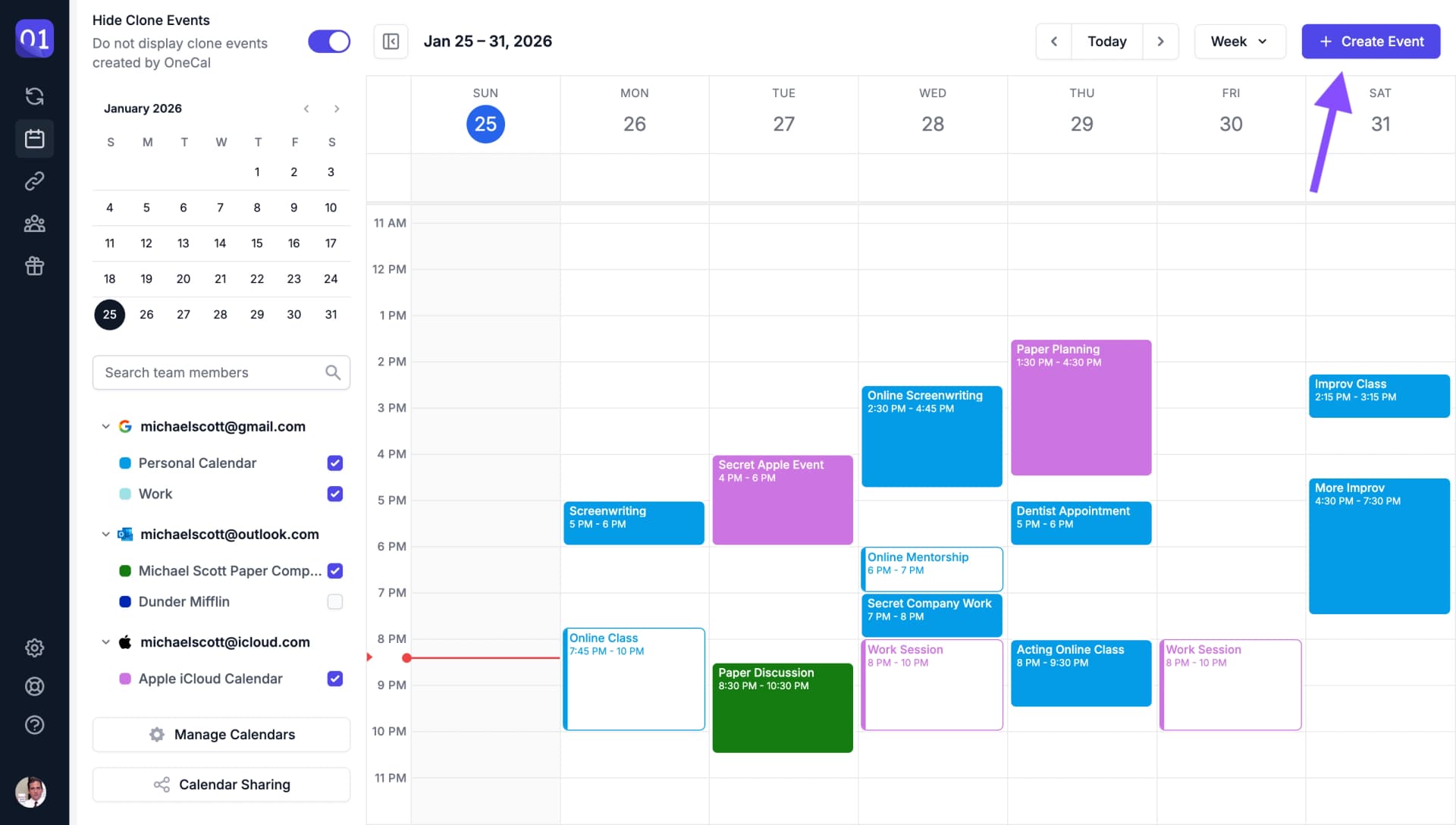
Using the Create Event Button
Click the "Create Event" button to open the event creation form.

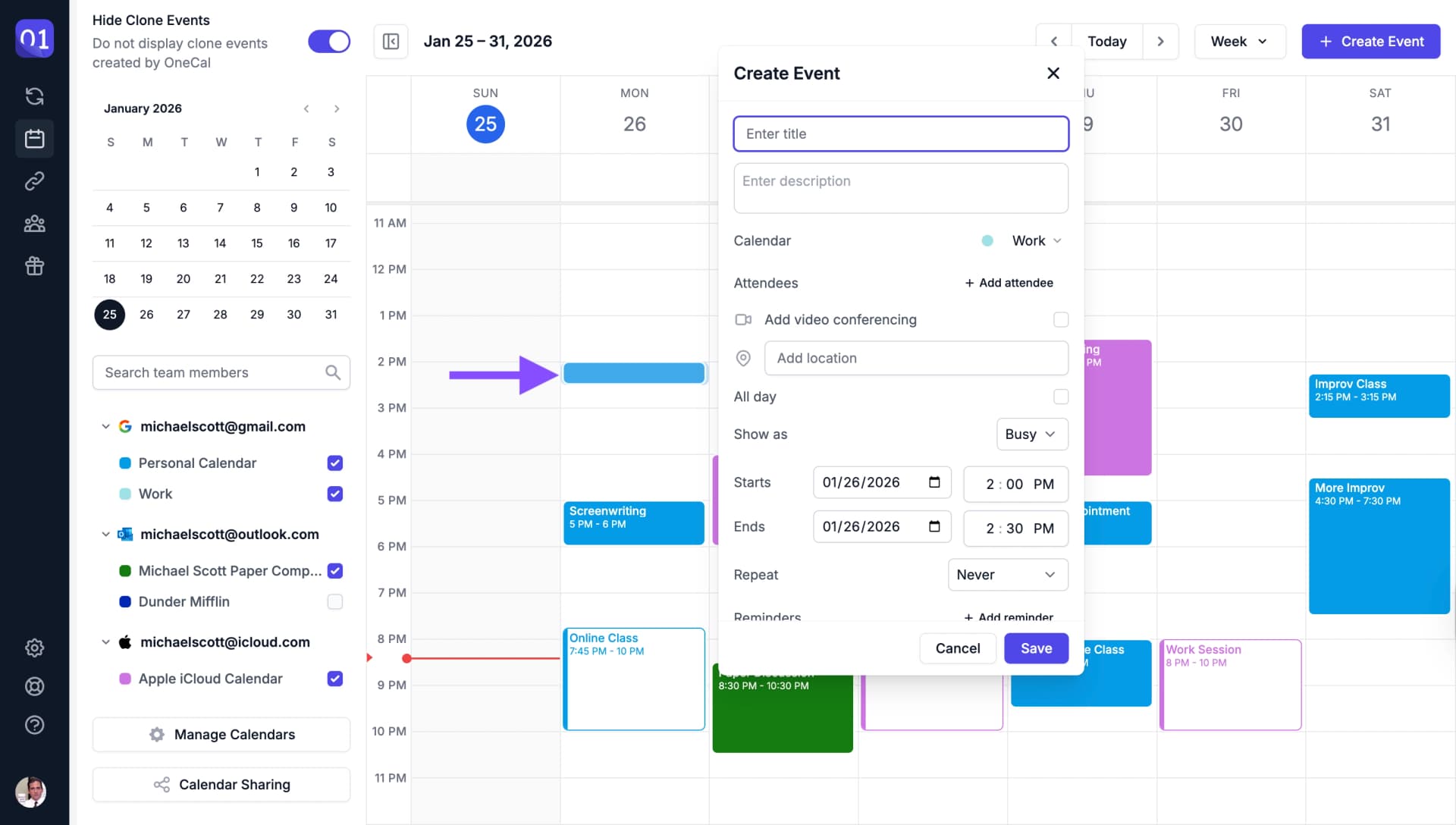
Click on a Free Time Slot
Click on any free time slot in the calendar to quickly create an event at that time.
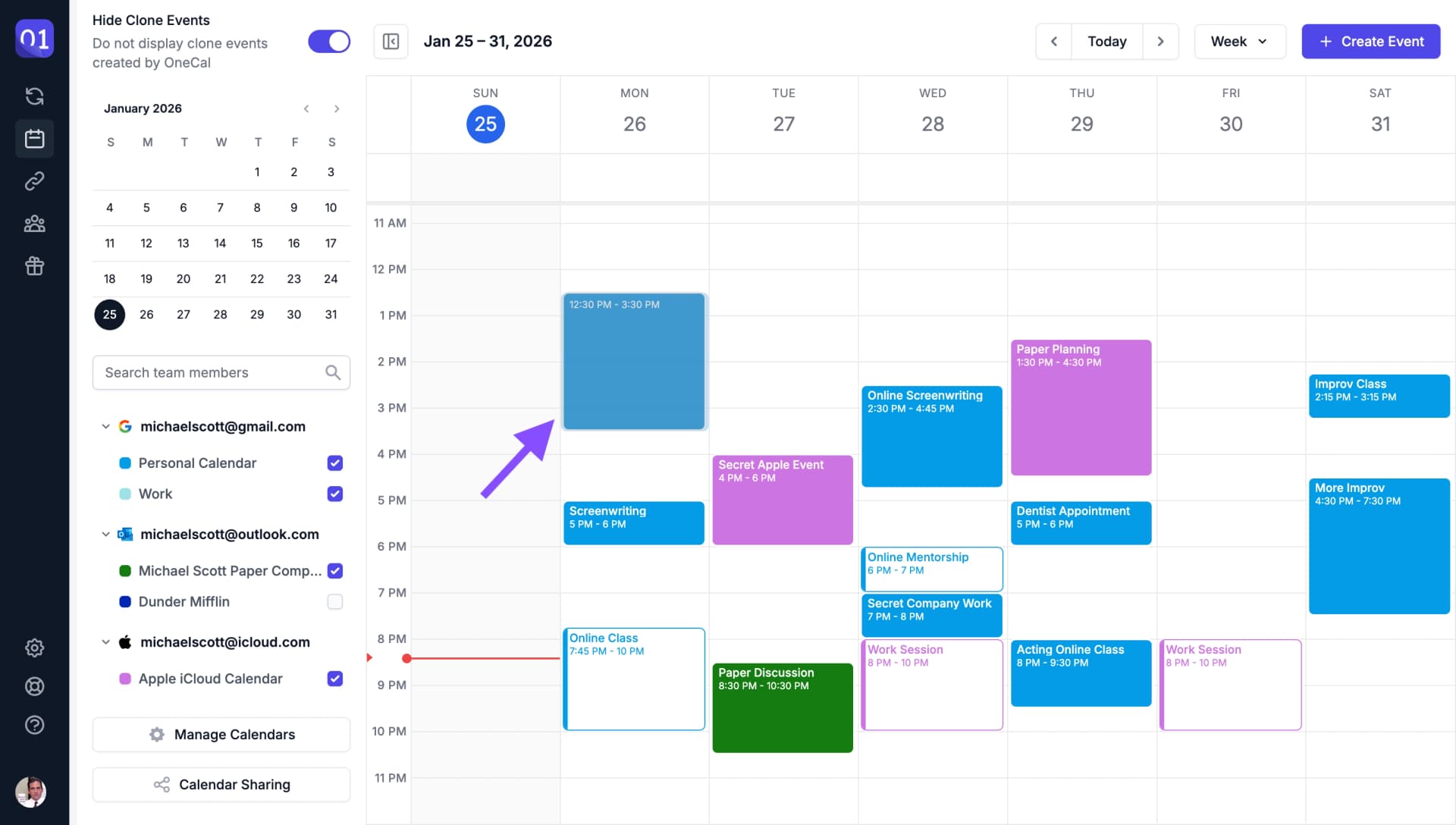
Drag to Create an Event
Drag across time slots to create an event with a specific duration.
Event Creation Options
When creating an event, you have access to the following options:
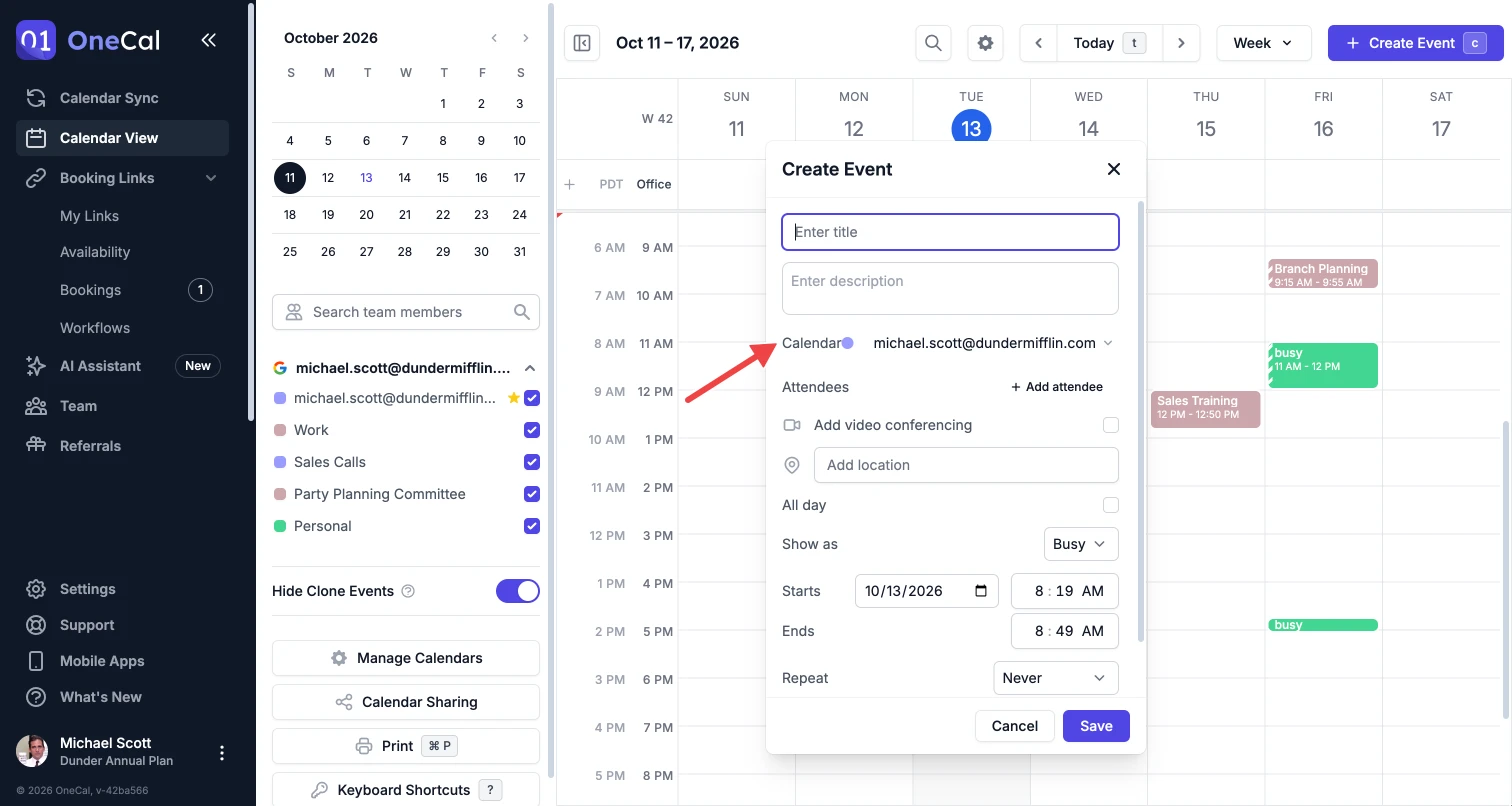
Calendar
New events are added to your default calendar, and you can pick another calendar for the event in the Calendar field. To change your default calendar, see Set Your Default Calendar.
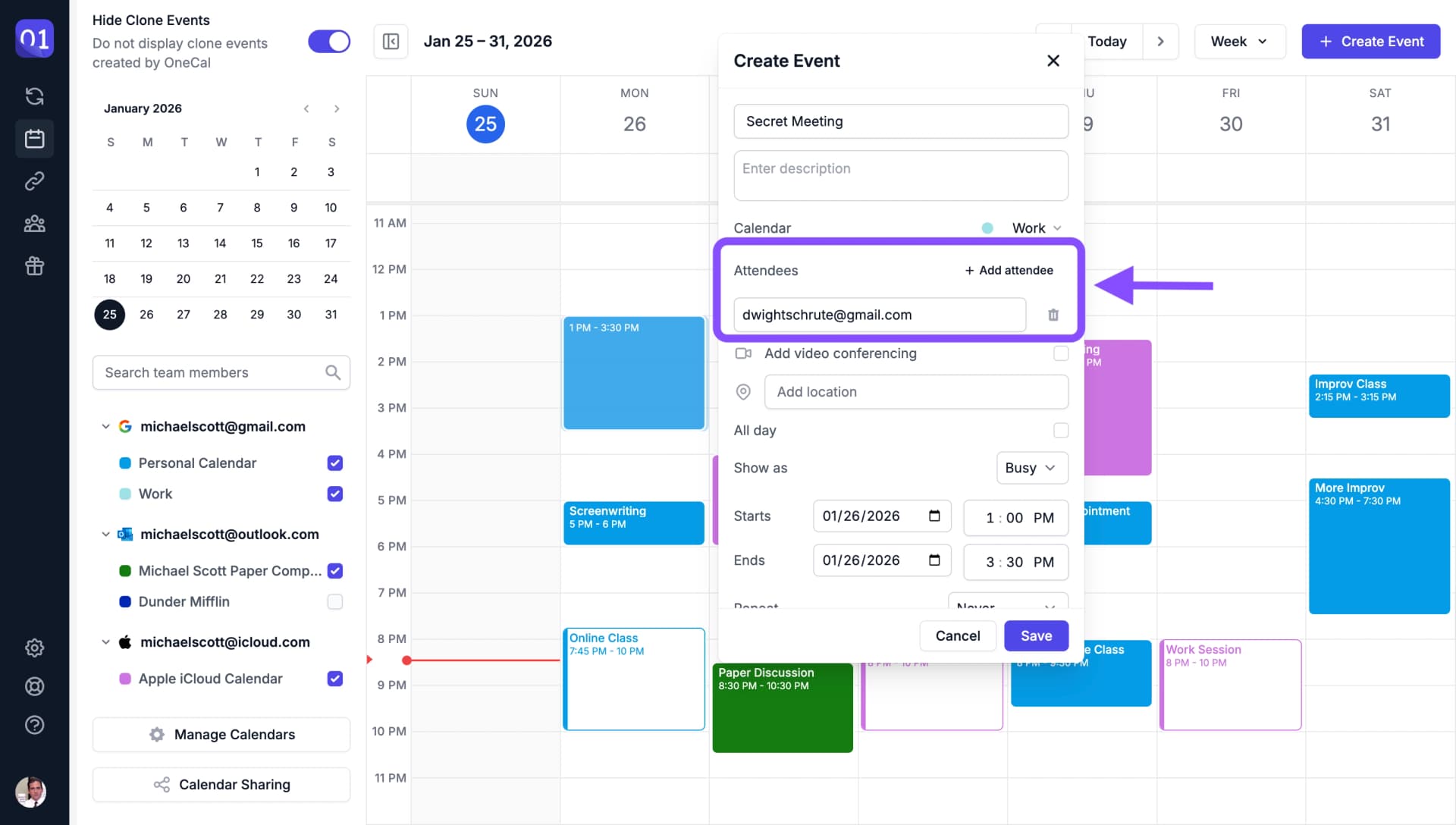
Invite Attendees
Add attendees to your event by entering their email addresses.
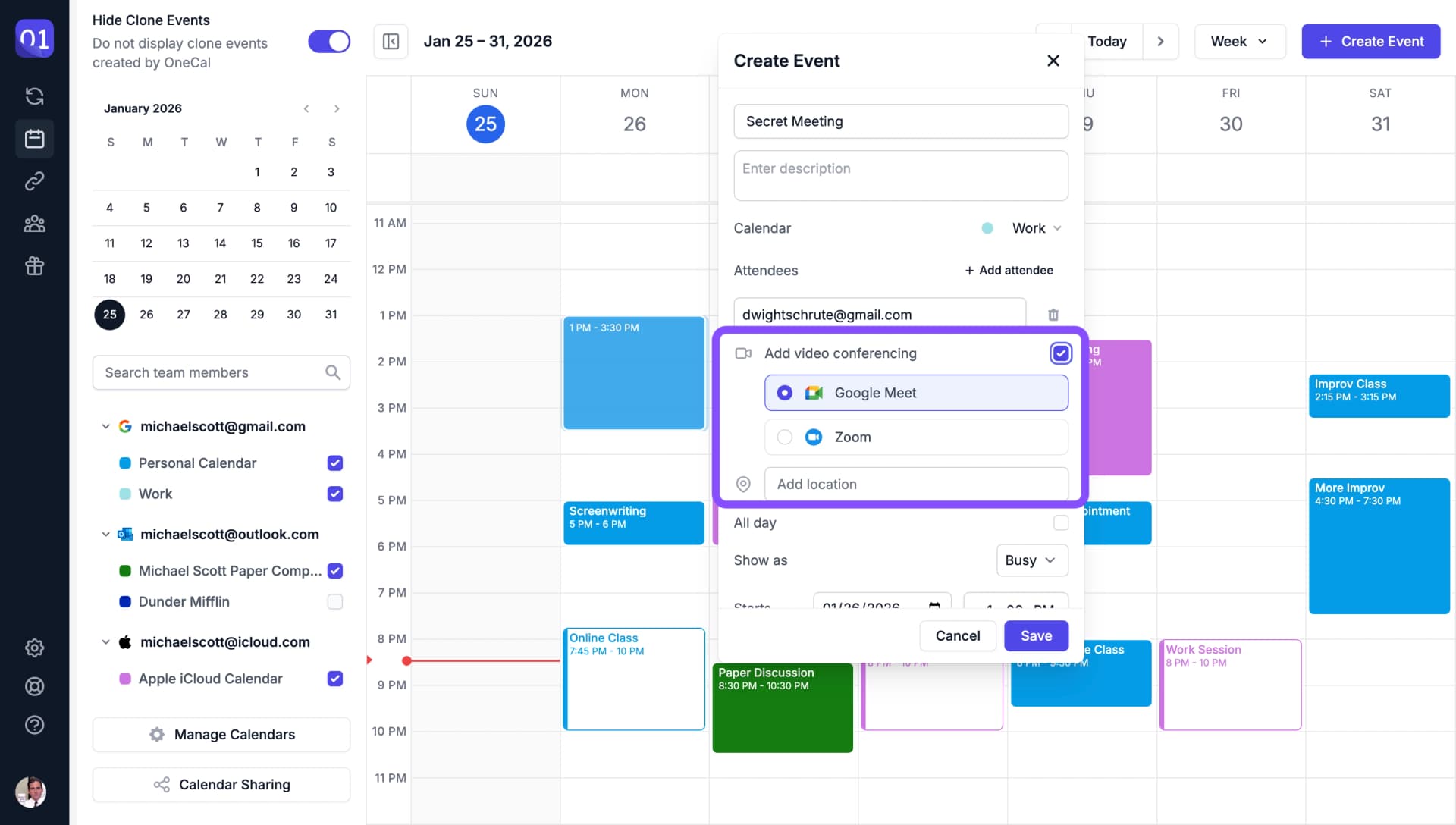
Add Video Conferencing
Add Google Meet, Microsoft Teams, or Zoom to your event for virtual meetings.
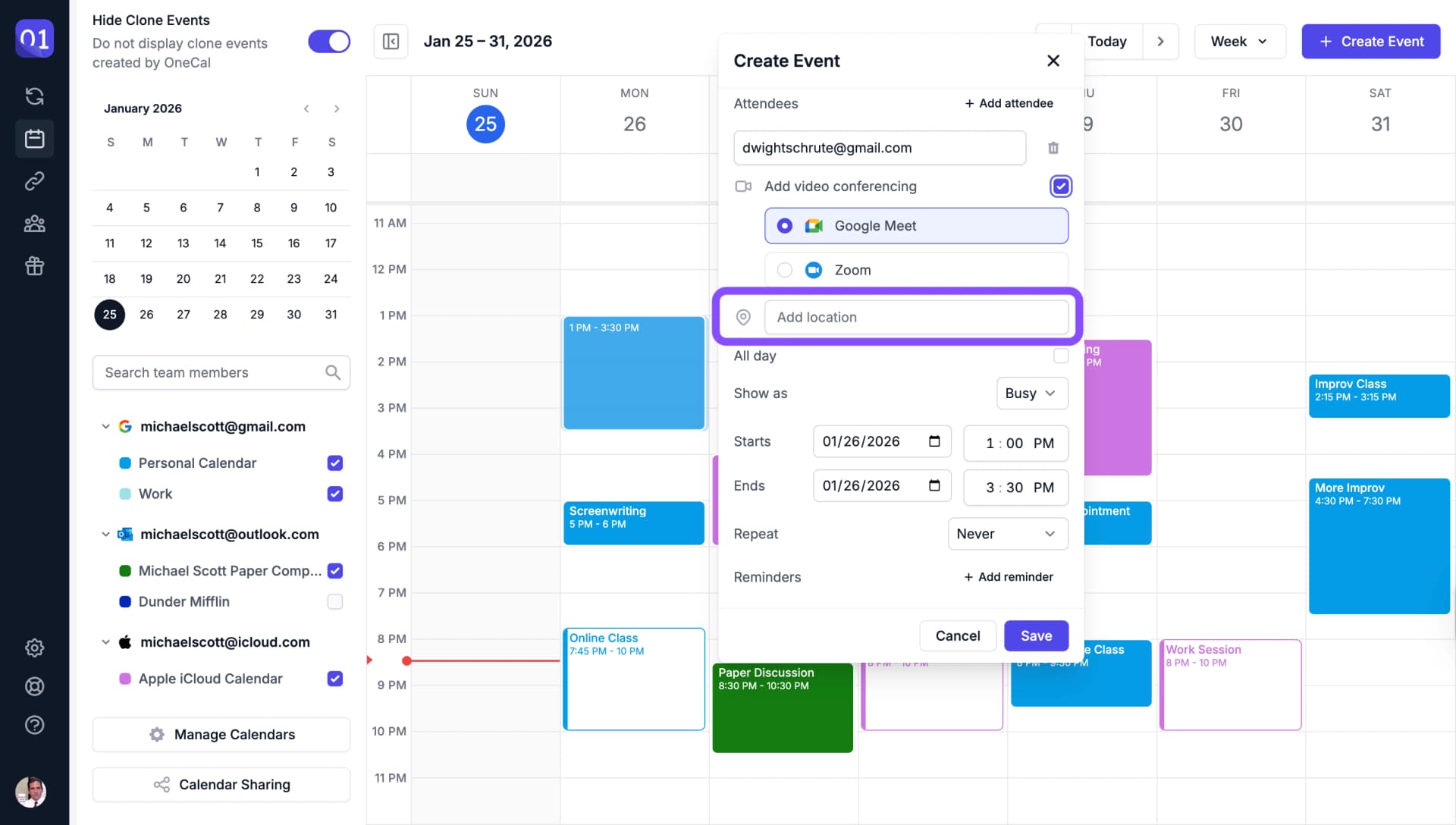
Custom Location
Set a custom location for your event, such as a physical address or meeting room.
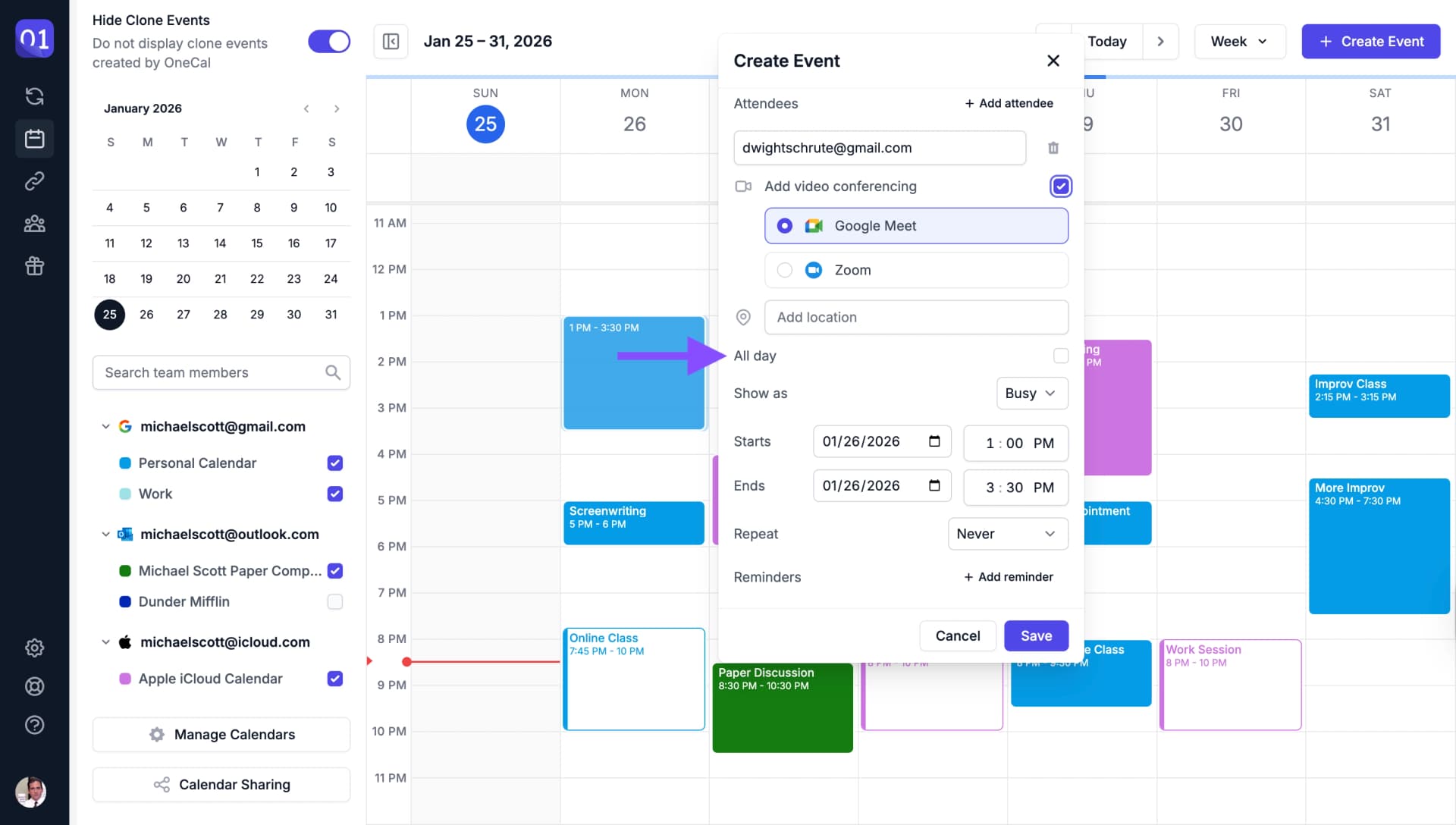
All Day Event
Mark the event as an all-day event when it doesn't have specific start and end times.
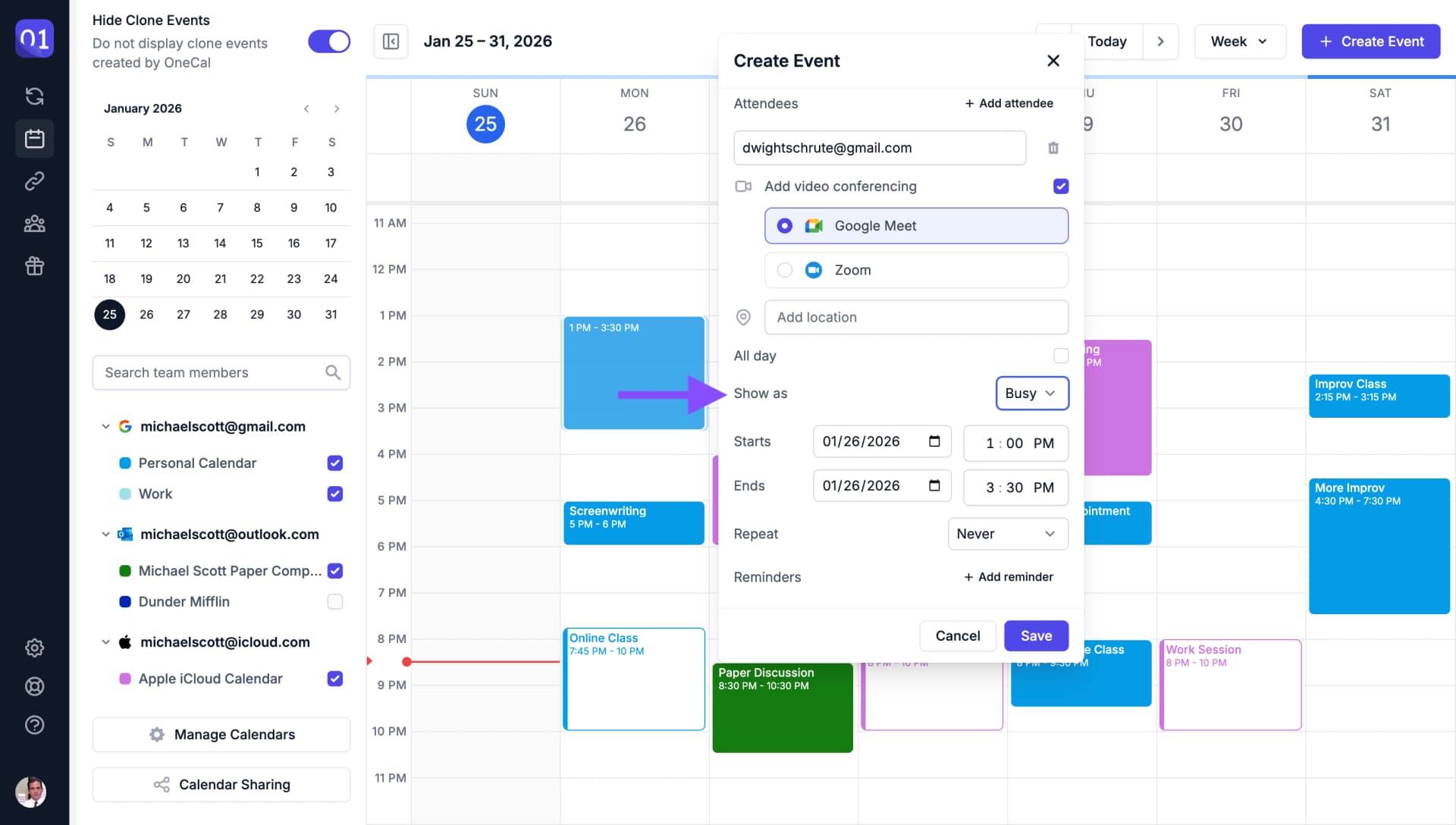
Free or Busy
Set whether the event shows as free or busy on your calendar. This affects how your availability is displayed to others.
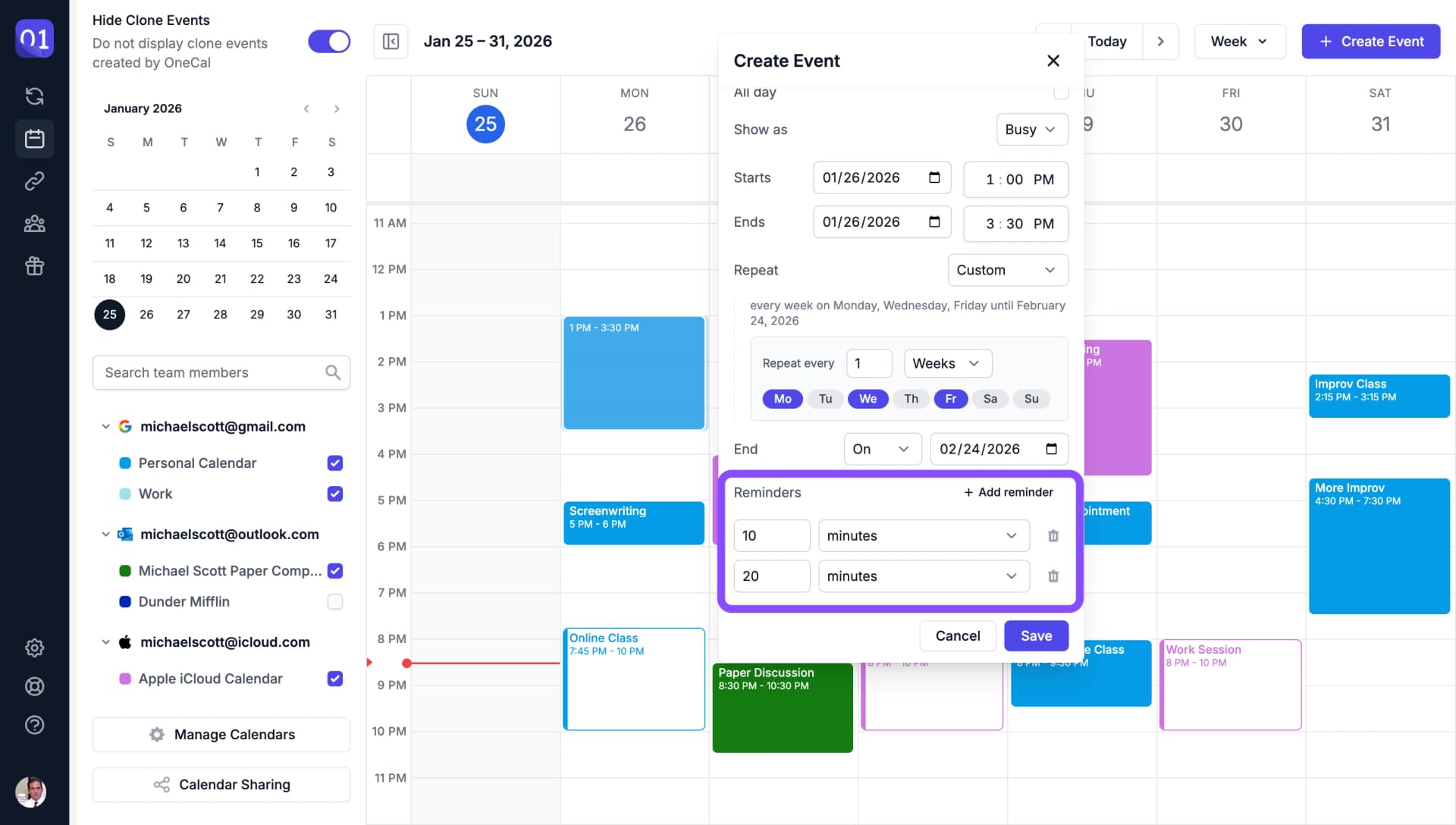
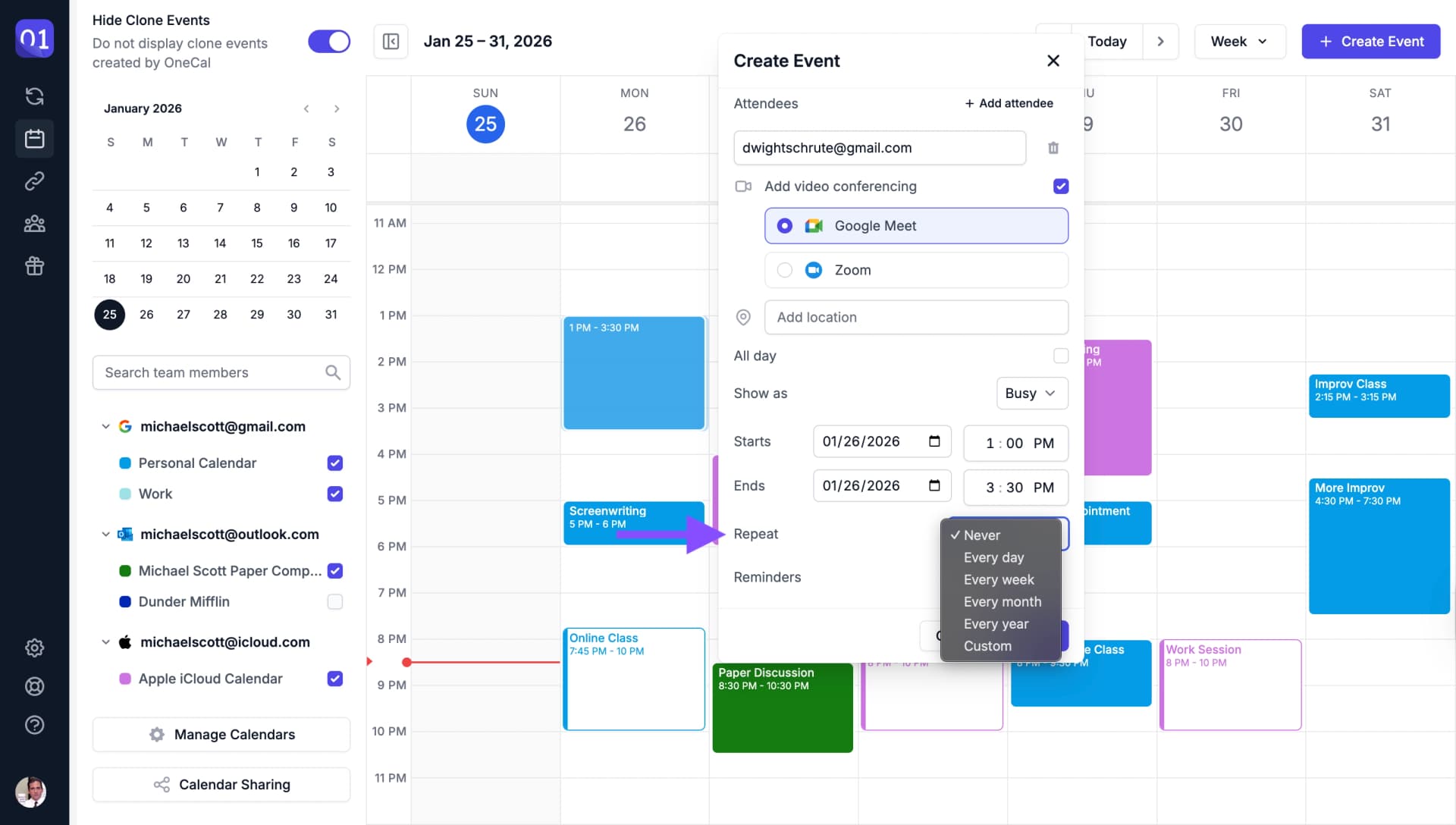
Recurring Events
Make your event recurring with daily, weekly, monthly, or yearly patterns.
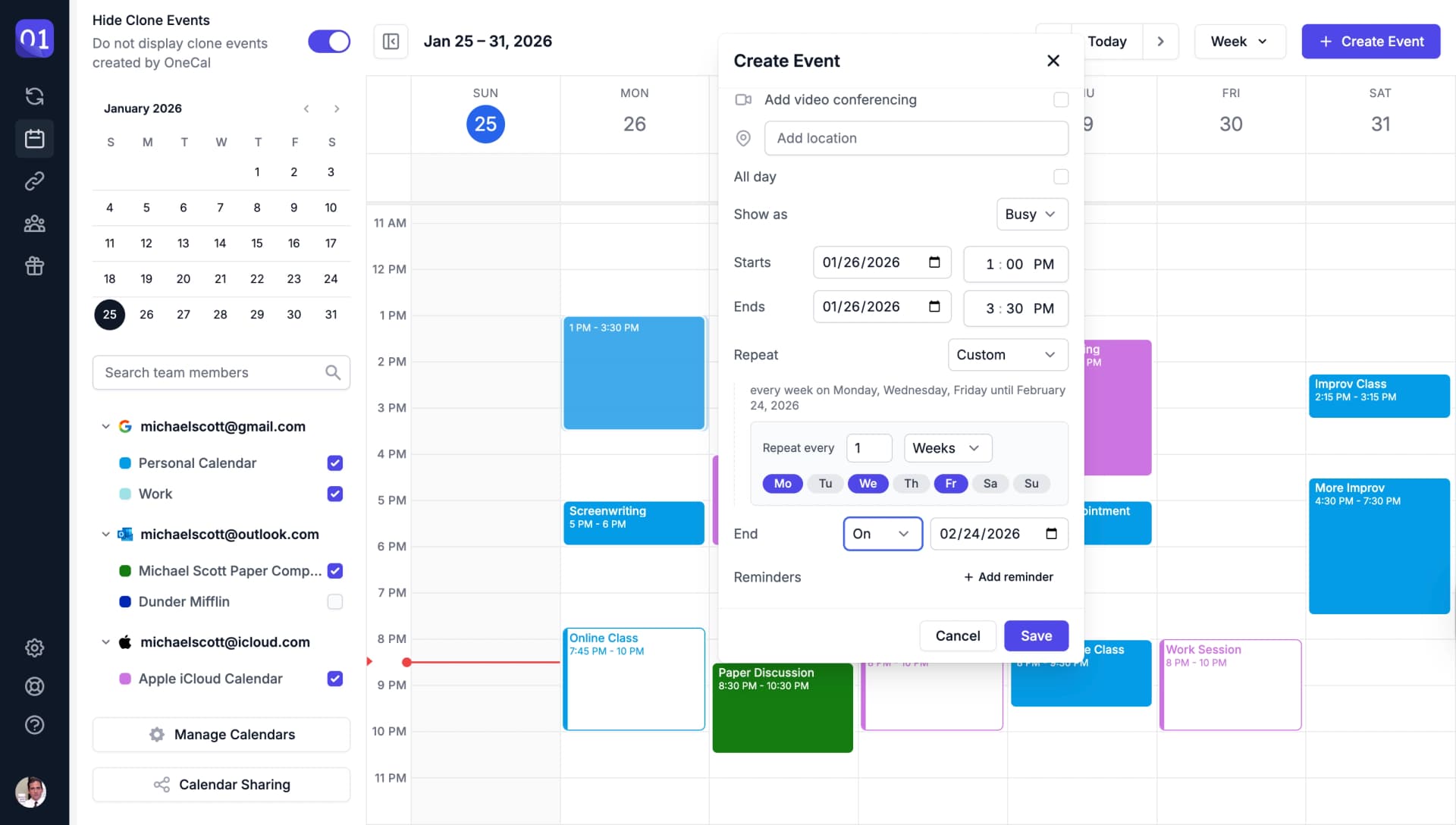
You can also set custom recurrence patterns for more complex schedules.
Event Reminders
Add reminders to be notified before your event starts.