Exclude Birthdays
Birthday events that Google Calendar adds from your contacts won't be synchronized.

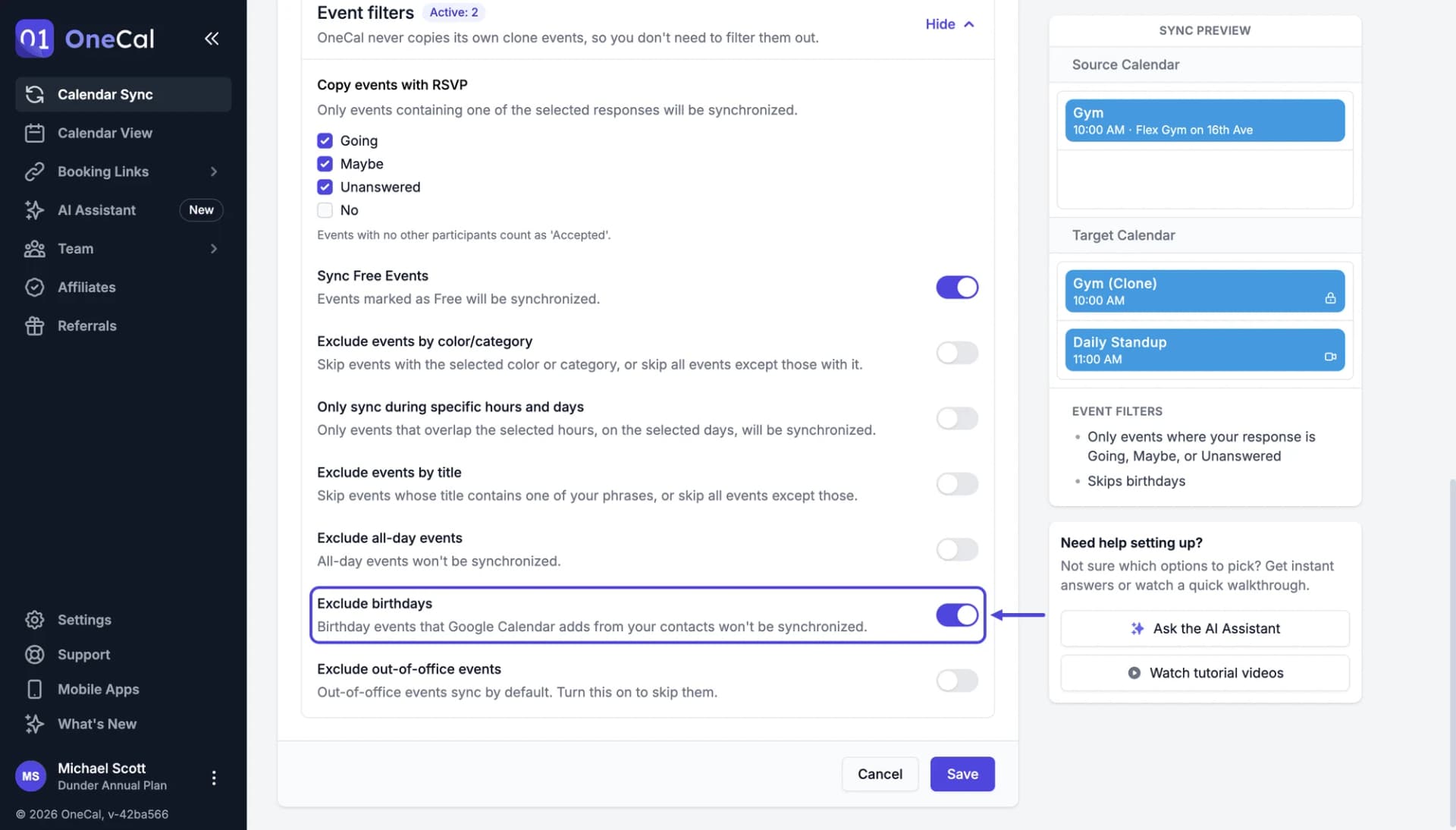
You find this setting in the Event filters section of the sync configuration. Turn on Exclude birthdays to skip the birthday events Google Calendar creates from your Google Contacts. Your other events are still synchronized.
Outlook and iCloud calendars
Outlook and iCloud keep birthdays in a separate calendar, not in your regular calendars. Birthdays are only synchronized when you add that birthdays calendar to a sync, so to keep them out, leave that calendar out of your calendar sync.
Good To Know
A birthday event you created yourself, as a regular event, is not a birthday event for Google Calendar. To skip those, use Exclude events by title with a phrase like "Birthday".