Exclude Out-of-Office Events
Out-of-office events are synchronized by default. Turn this setting on to skip them.

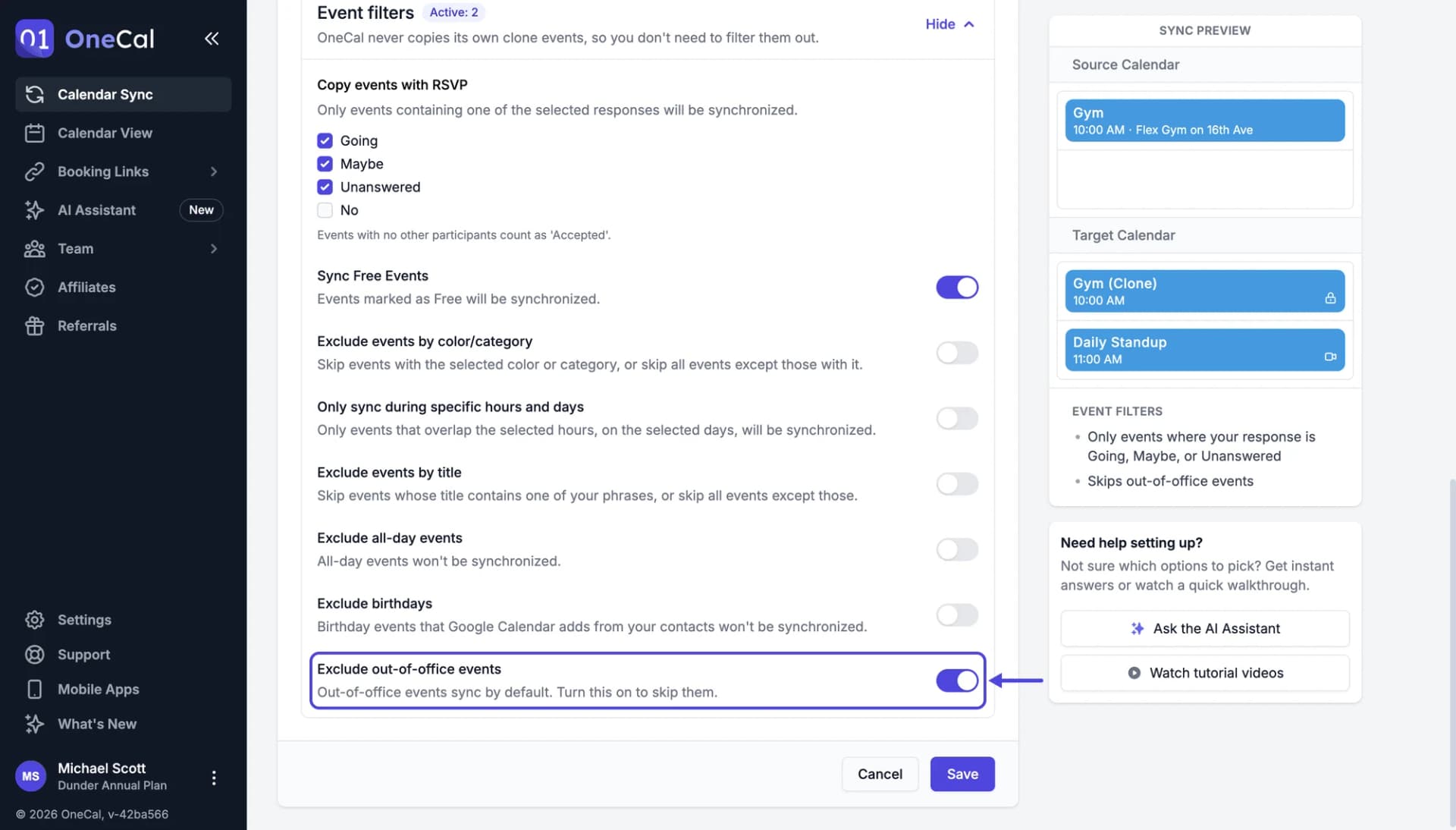
You find this setting in the Event filters section of the sync configuration. Turn on Exclude out-of-office events to keep your out-of-office events out of the target calendars. Your other events are still synchronized.
How out-of-office events are synchronized
When the setting is off, out-of-office events are synchronized like any other event, and the clone events stay out-of-office on calendars that support it:
- Outlook: The clone event shows as out of office.
- Google Calendar: The clone event is an out-of-office event on your primary calendar. Google Calendar only allows out-of-office events on the primary calendar and not for all-day events, so on other calendars, and for all-day events, the clone event is a regular busy event.
- iCloud and CalDAV: The clone event is a regular busy event, because these calendars have no out-of-office events.
The clone events never decline meetings on your behalf, even when the original out-of-office event does.
Good To Know
OneCal recognizes out-of-office events in Google Calendar and Outlook calendars. iCloud and CalDAV calendars don't mark events as out of office, so this setting has no effect on their events.