Exclude Events By Title
Skip events whose title contains one of your phrases, or skip all events except those.

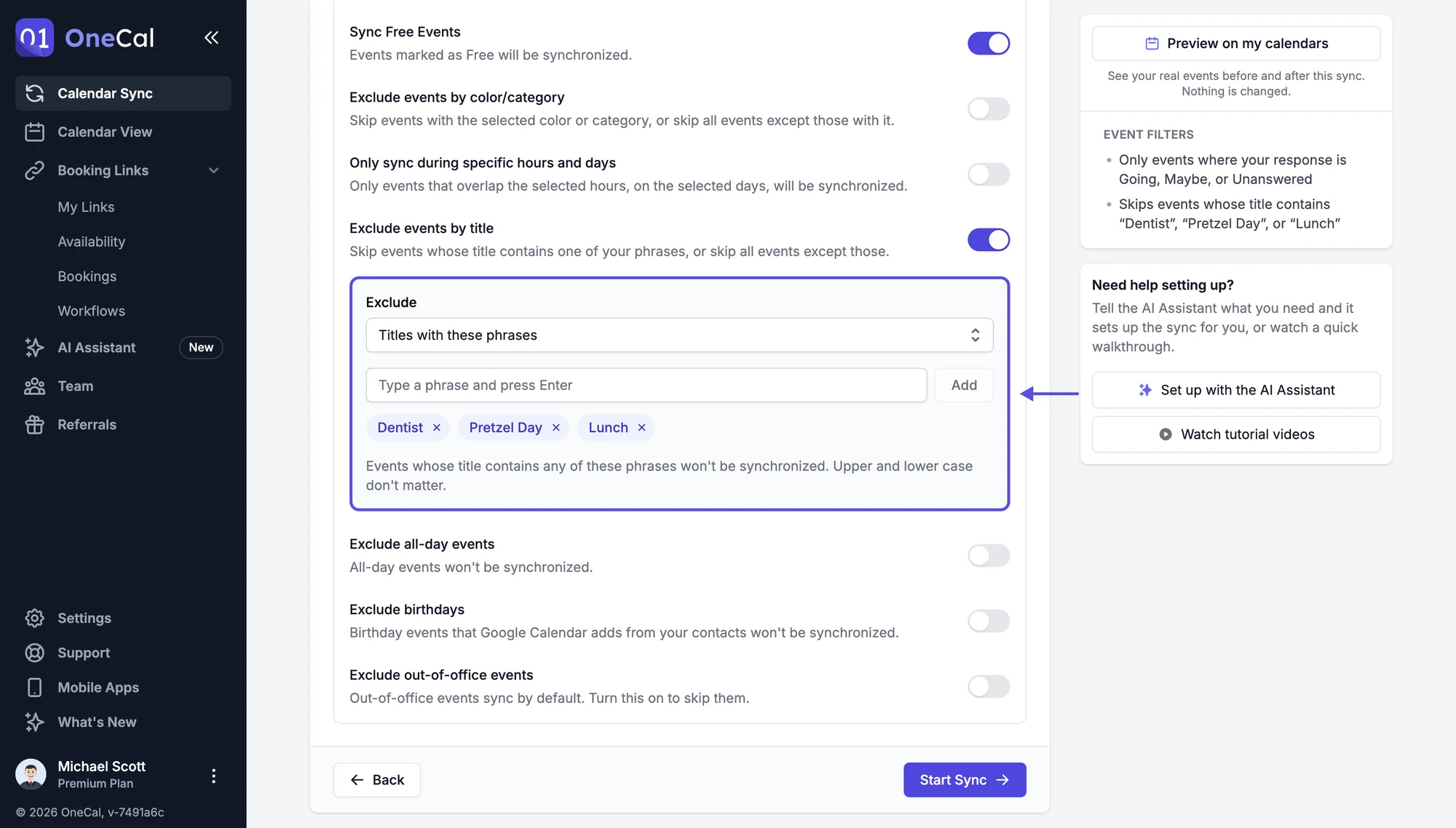
You find this setting in the Event filters section of the sync configuration. Turn on Exclude events by title, then type a phrase and press Enter, or click Add. You can add as many phrases as you need, and remove one by clicking the x next to it.
Choose what to exclude:
- Titles with these phrases: An event is not synchronized when its title contains at least one of the phrases.
- All except titles with these phrases: Only events whose title contains at least one of the phrases are synchronized.
A phrase can appear anywhere in the title, and upper and lower case don't matter. For example, the phrase "lunch" matches "Lunch with Anna" and "Team LUNCH".
Examples
- Keep private blocks out of your work calendar: exclude events whose title contains "Gym", "Dentist" or "Personal".
- Share only client meetings with another calendar: choose All except titles with these phrases and add "Client".
Good To Know
The filter reads the title of the original event, not the title of the clone event. Your identifier and the Event titles setting don't affect which events match.