App

Resend Invitation

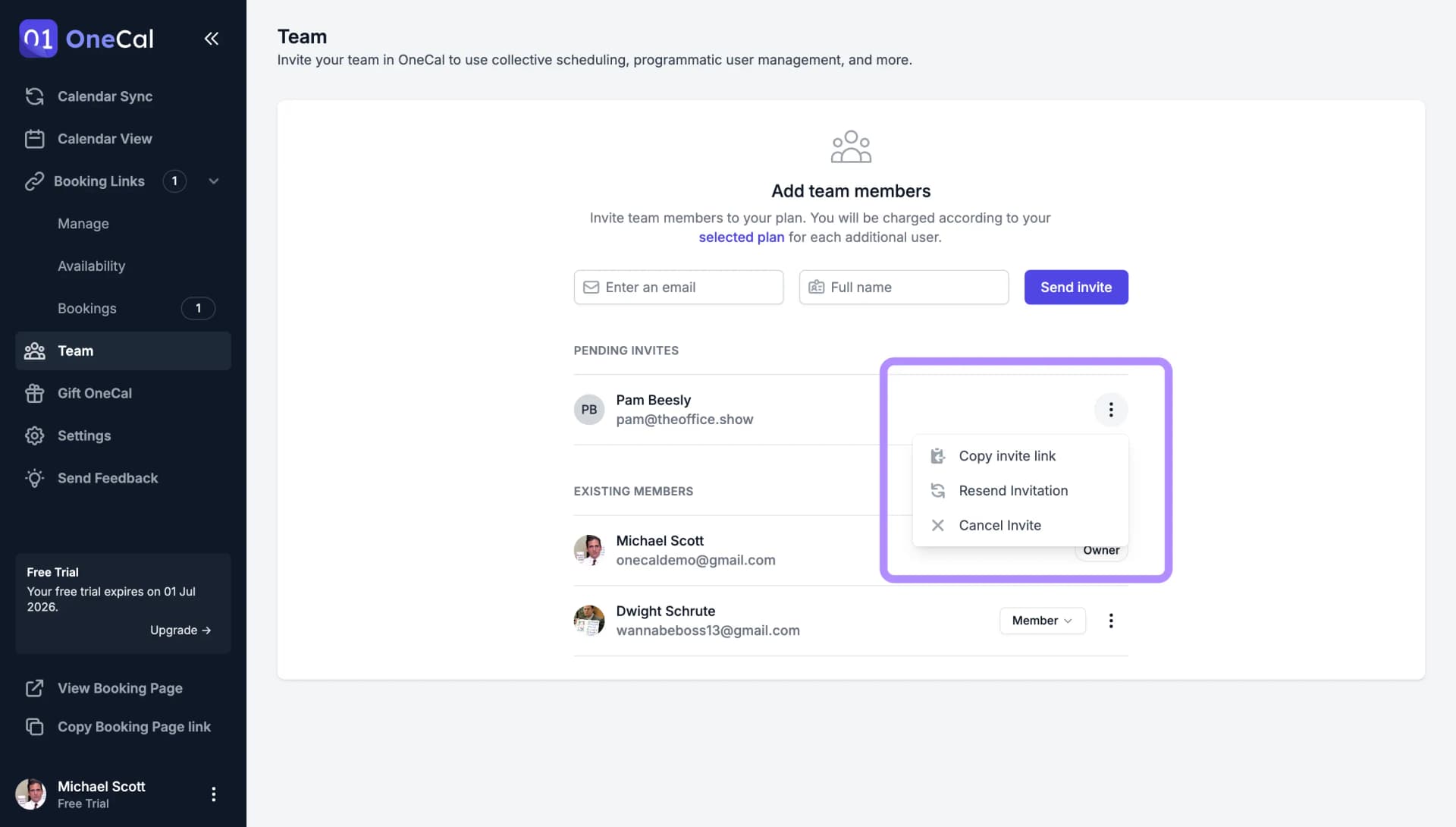
If a team member missed your invitation email, or it ended up in their spam folder, you can resend it at any time.

  1. Go to the Team page. Pending invitations are listed above your existing members.
  2. Click the three dots on the right of the invited person.
  3. Click Resend Invitation.

The invited person receives a new email containing the invite. Resending does not create a duplicate invitation, it simply sends the same invite again.

Grainy Texture
Resend Invitation UI
Resend Invitation UI.

Good To Know

You are only charged for a seat when the invitation is accepted, so pending invites cost nothing no matter how often you resend them. If the invitation should no longer be accepted at all, cancel it instead.