Cancel Invitation
You can cancel a pending invitation at any time before it is accepted.
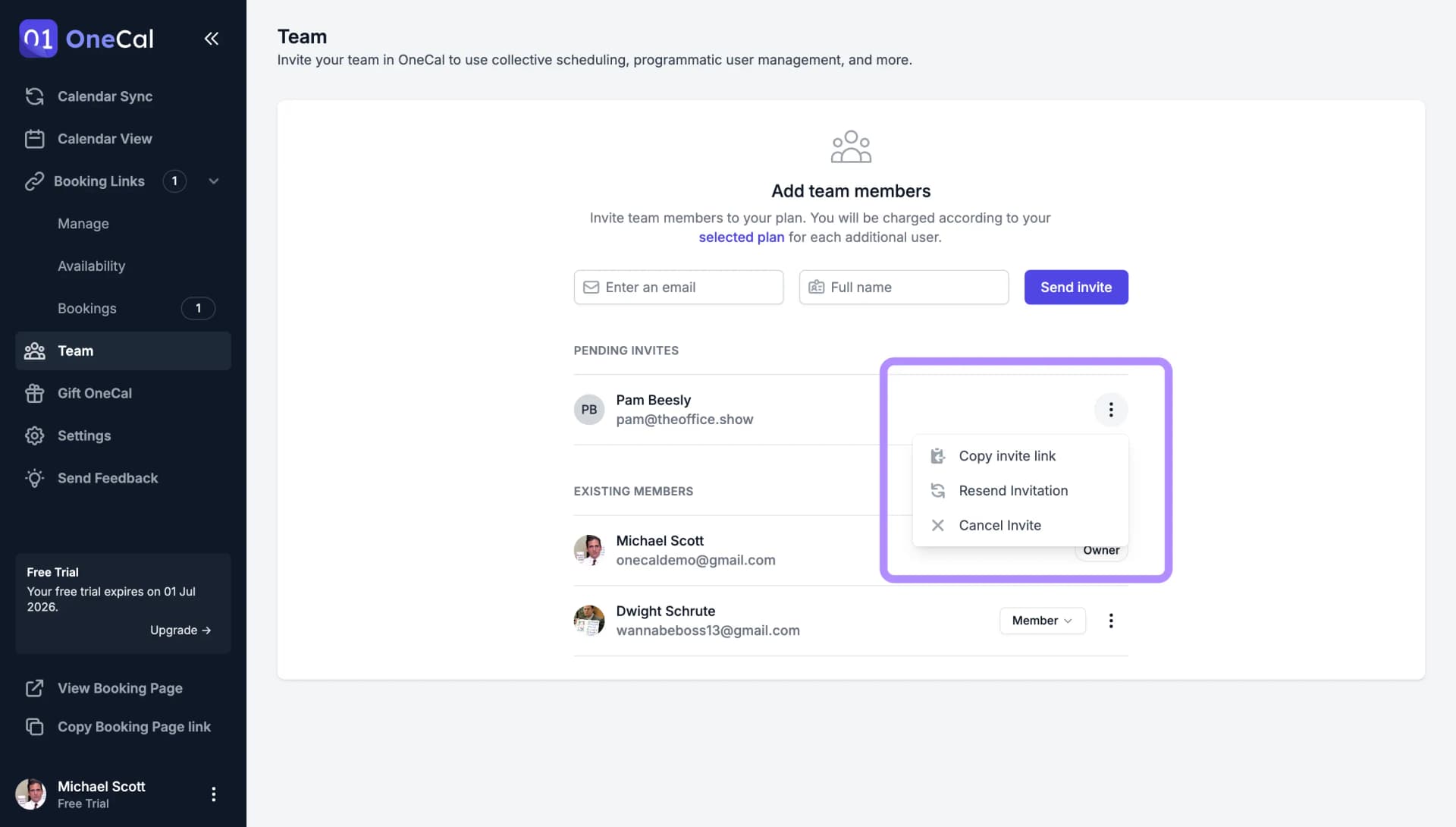
- Go to the Team page. Pending invitations are listed above your existing members.
- Click the three dots on the right of the invited person.
- Click Cancel Invite.
The invitation becomes invalid immediately, and the link in the invite email stops working. Since seats are only charged when an invitation is accepted, cancelling a pending invite never costs anything.

Good To Know
Cancelling an invitation does not block the person from joining later. If you change your mind, simply invite them again.