Audit Logs
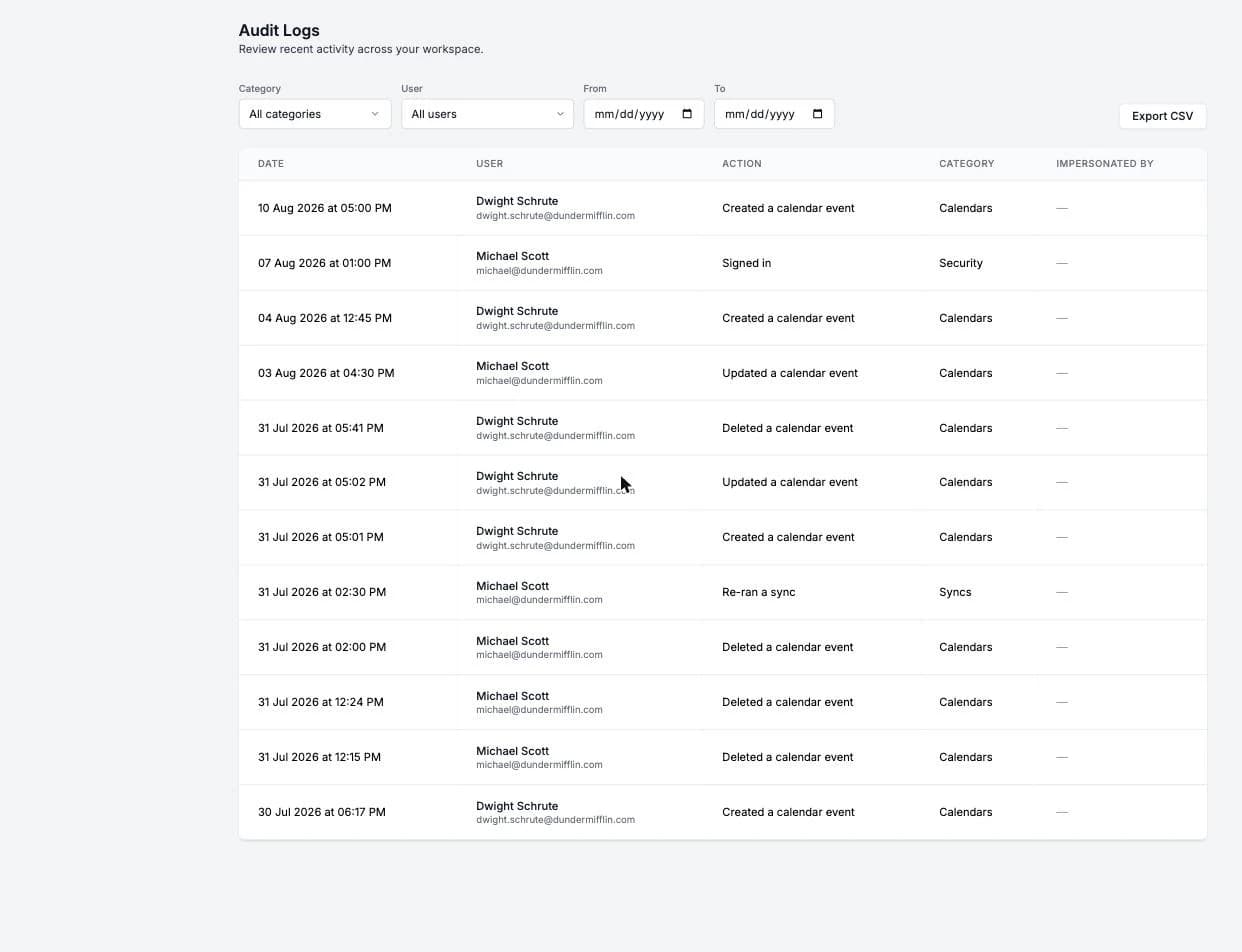
Audit Logs let you review recent activity across your team. Every important action, from sign-ins to calendar sync changes to billing events, is recorded with who did it and when.
You can find Audit Logs under the Team section in the sidebar. They are available to Owners, Admins and team members with the Billing Only role, on teams with more than one member.

What is logged
Events are grouped into categories:
- Security: Sign-ins (including SSO), sign-outs, linked or unlinked login accounts, email address changes, impersonation sessions, and User Impersonation and Admin Managed Account changes.
- Syncs: Created, updated, deleted, re-run, paused and resumed calendar syncs, plus syncs that failed or recovered after failing.
- Booking Links: Created, updated and deleted booking links.
- Booking Pages: Created and updated booking pages.
- Calendars: Connected, removed and updated calendars, calendar accounts that were disconnected, expired or reconnected, calendar events, and public calendar feeds.
- Access Control: Invitations sent, accepted, declined and revoked, members added and removed, and role changes.
- Billing: Plan changes, subscription changes, and seats added or removed.
- Workflows: Created, updated and deleted workflows.
- API Keys: Created and revoked API keys.
- MCP: MCP clients, client secrets and redirect URIs.
Each entry shows the date, the team member who performed the action, the action, its category, and whether the action was performed by an Admin managing that team member's OneCal account. Actions performed automatically by OneCal, for example by Directory Sync, show "System" as the user. Calendar connections that expire or reconnect, and syncs that fail or recover, are the exception: they show the team member who owns the calendar connection or sync, so you can find them with the User filter.
Filter events
You can narrow down the list by:
- Category: Show only events from one category.
- User: Show only events performed by a specific team member.
- Date range: Pick From and To dates.
Click Clear filters to reset everything.
Export to CSV
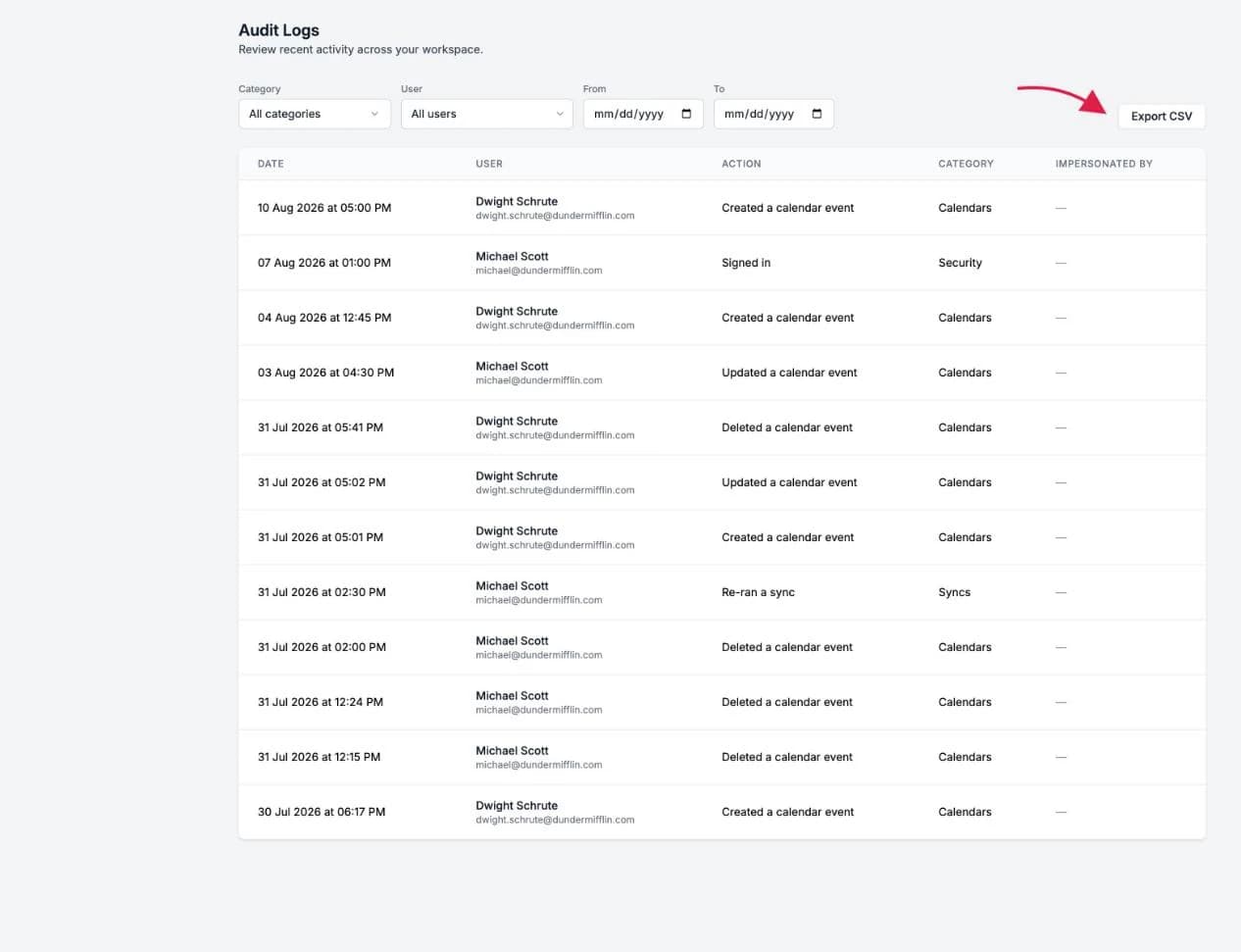
Click Export CSV to download all events matching your current filters. The export includes the same columns as the table, plus the user's email and a Details column with the full event data, which is useful for compliance reviews and archiving.
Good To Know
Audit logs are kept for the lifetime of your team, so you can always go back in time. Events are recorded for teams with two or more members.