Assign Roles
Assign Roles
Currently, a team can have four roles:
- Owner: The team member who created the team, with full ownership over the team and all roles. A team can only have one Owner.
- Admin: A team member who can manage the team and billing.
- Member: A regular team member, who cannot manage the team or billing.
- Billing Only: A team member who manages billing and team membership, but does not use OneCal itself. Billing Only team members can change the plan, see payments and receipts, invite and remove team members, and see the Team Dashboard and Audit Logs. They cannot create calendar syncs or booking links, and they cannot change anyone's role. Billing Only team members are free and do not take up a paid seat. A team can have only one Billing Only member.

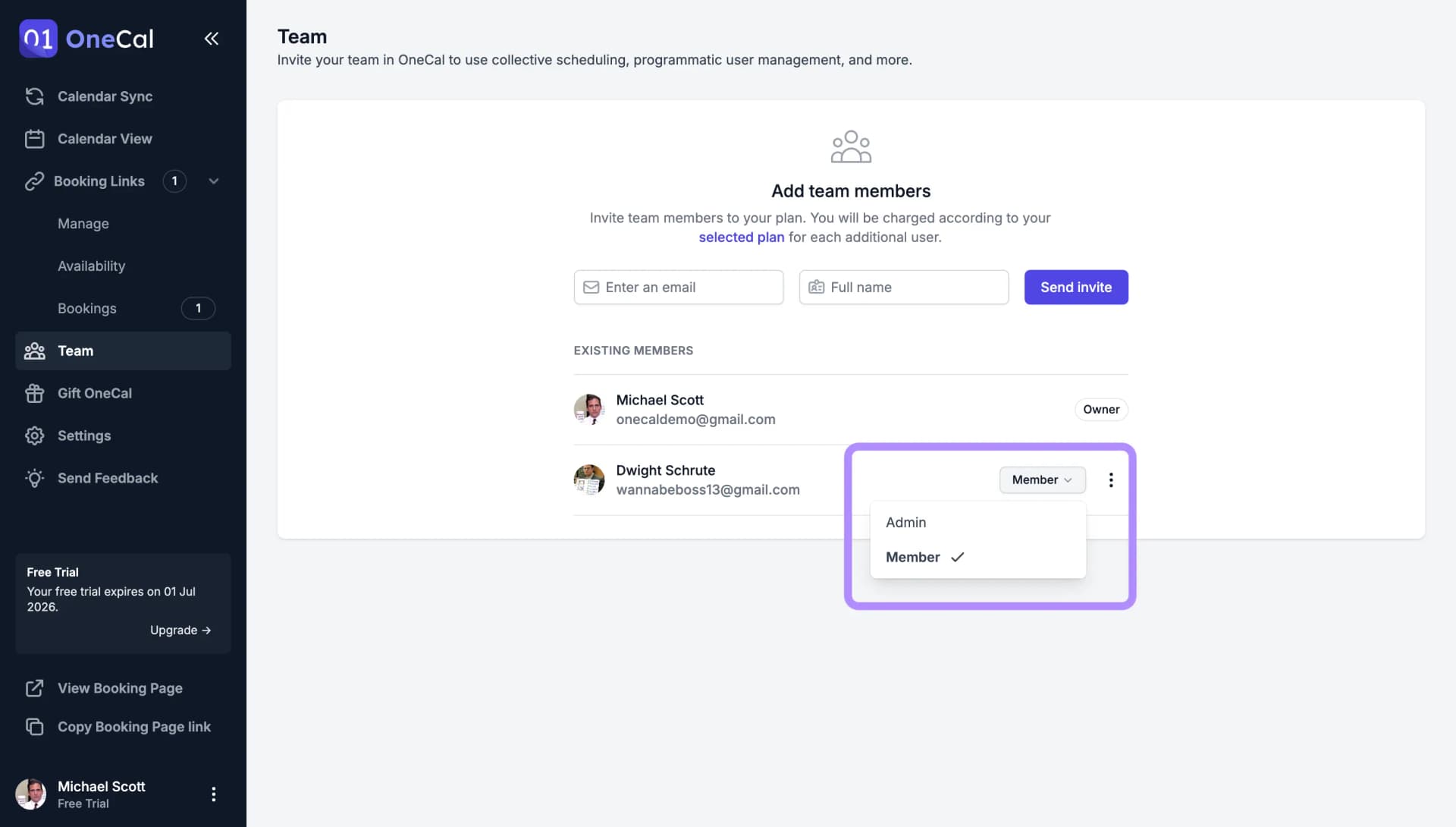
Roles are managed by the team Owner. To change someone's role, open the three dots menu on their row in the Team page and pick the new role.
Good To Know
Every team must have an Owner. The Owner always takes up a paid seat and cannot be switched to the Billing Only role. If you need to transfer ownership to another team member, please contact us at contact@onecal.io.