Liens de Réservation
Ajouter des événements au calendrier
Si vous avez lié un calendrier à votre compte OneCal, vous pouvez facilement choisir quel calendrier utiliser pour créer des événements chaque fois que quelqu'un vous réserve via OneCal.
Vous trouverez ce paramètre sous Ajouter des événements à dans la Configuration générale de votre lien de réservation.

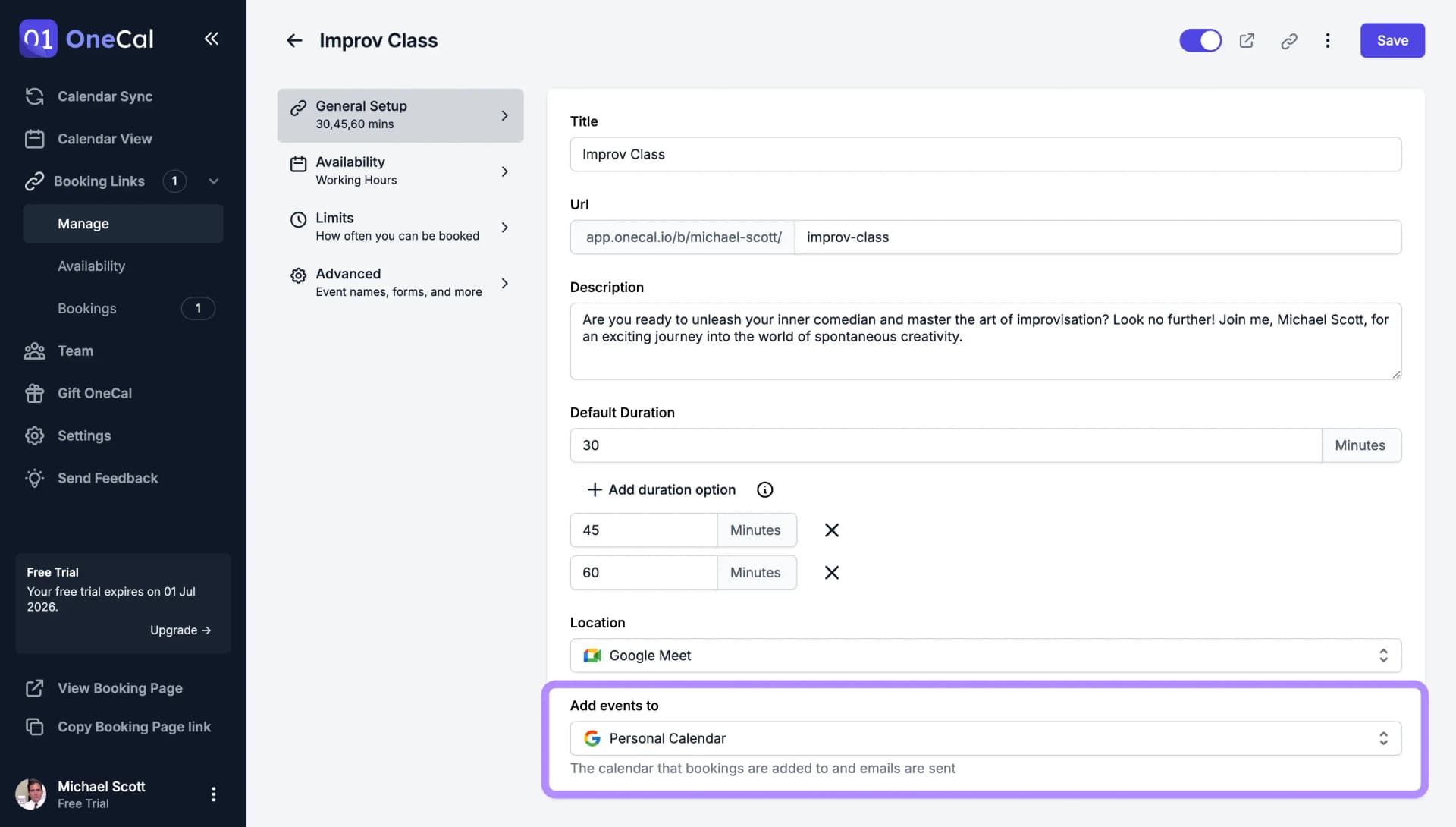
Les nouveaux liens de réservation utilisent votre calendrier par défaut, qui est marqué d'une étoile jaune dans ce menu et que vous pouvez définir dans Paramètres → Calendriers. Consultez Définir votre calendrier par défaut.
Bon à savoir
Les réservations sont créées sur le calendrier que vous sélectionnez ici, et pour les calendriers Google et Outlook, ce calendrier envoie aussi les invitations de calendrier aux personnes qui réservent, donc les e-mails d'invitation proviennent du compte auquel ce calendrier appartient.
Calendriers iCloud et CalDAV
Vous pouvez choisir ici un calendrier iCloud ou CalDAV, et les réservations sont ajoutées à ce calendrier tandis que les personnes qui réservent reçoivent l'invitation de calendrier (.ics) dans leur e-mail de confirmation. C'est le rôle de l'option Inclure une invitation ICS dans la confirmation dans les paramètres avancés de votre lien de réservation, que OneCal active automatiquement quand vous choisissez un calendrier iCloud ou CalDAV.
Le calendrier sélectionné détermine aussi quelle option de visioconférence est disponible sur le lien de réservation. Un calendrier Google propose Google Meet, et un calendrier Outlook propose Microsoft Teams. Consultez Google Meet et Microsoft Teams.