RSVP to Meeting Invitations
You can respond to meeting invitations directly from the Unified Calendar View without leaving OneCal.
Respond to an Invitation
When you receive a meeting invitation, click on the event to open its details. You'll see RSVP options that allow you to respond to the invitation.

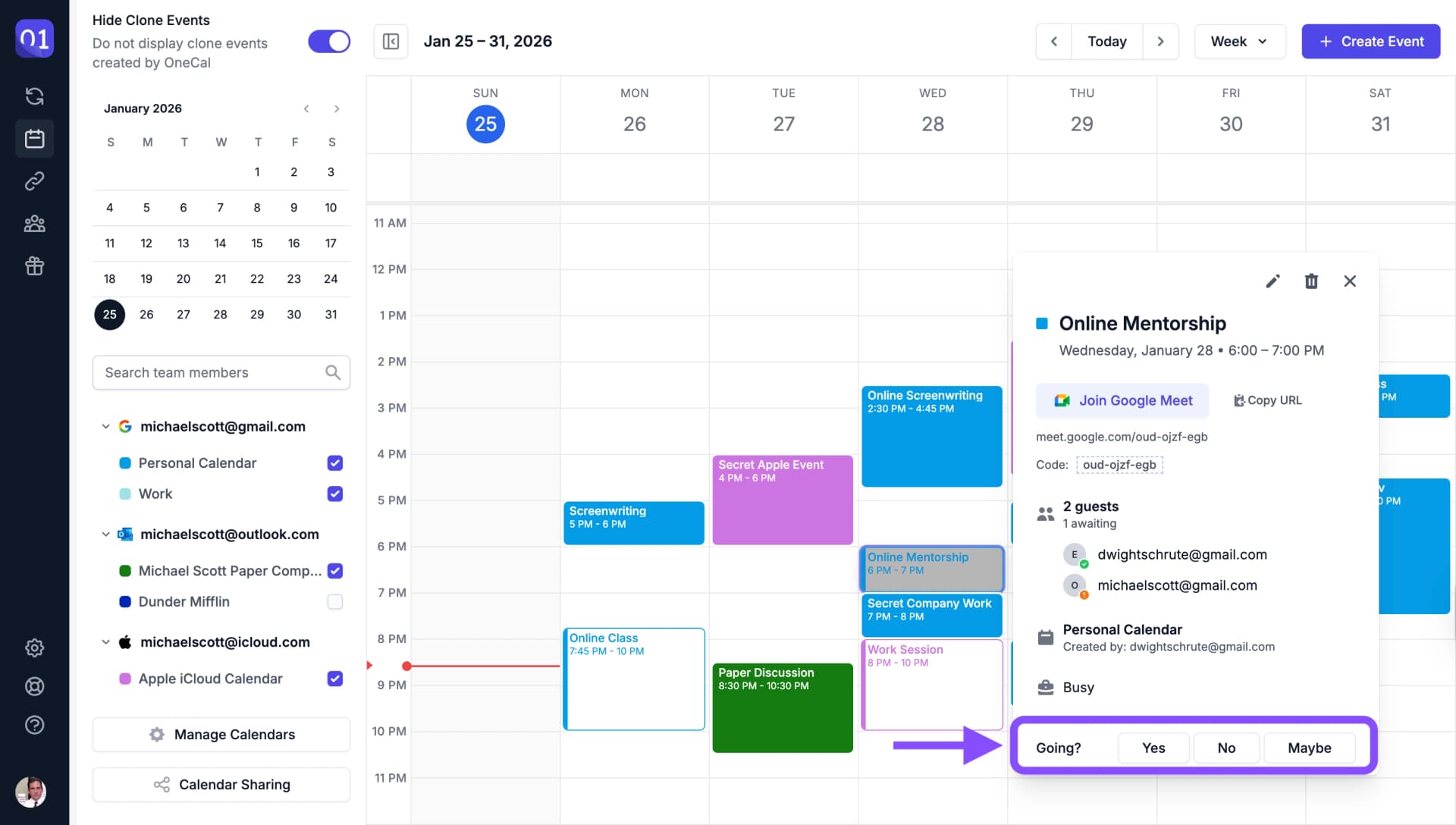
You can choose from the following responses:
- Yes - Accept the invitation and confirm your attendance
- Maybe - Indicate that you might attend
- No - Decline the invitation
Your response will be sent to the meeting organizer automatically.